How to Normalize Playlist Volume: Fix Track-to-Track Loudness Jumps
Eliminate annoying volume differences between songs in your playlist. Compare manual gain adjustment, streaming normalization, and DeckReady batch processing for DJs, venues, and content creators.
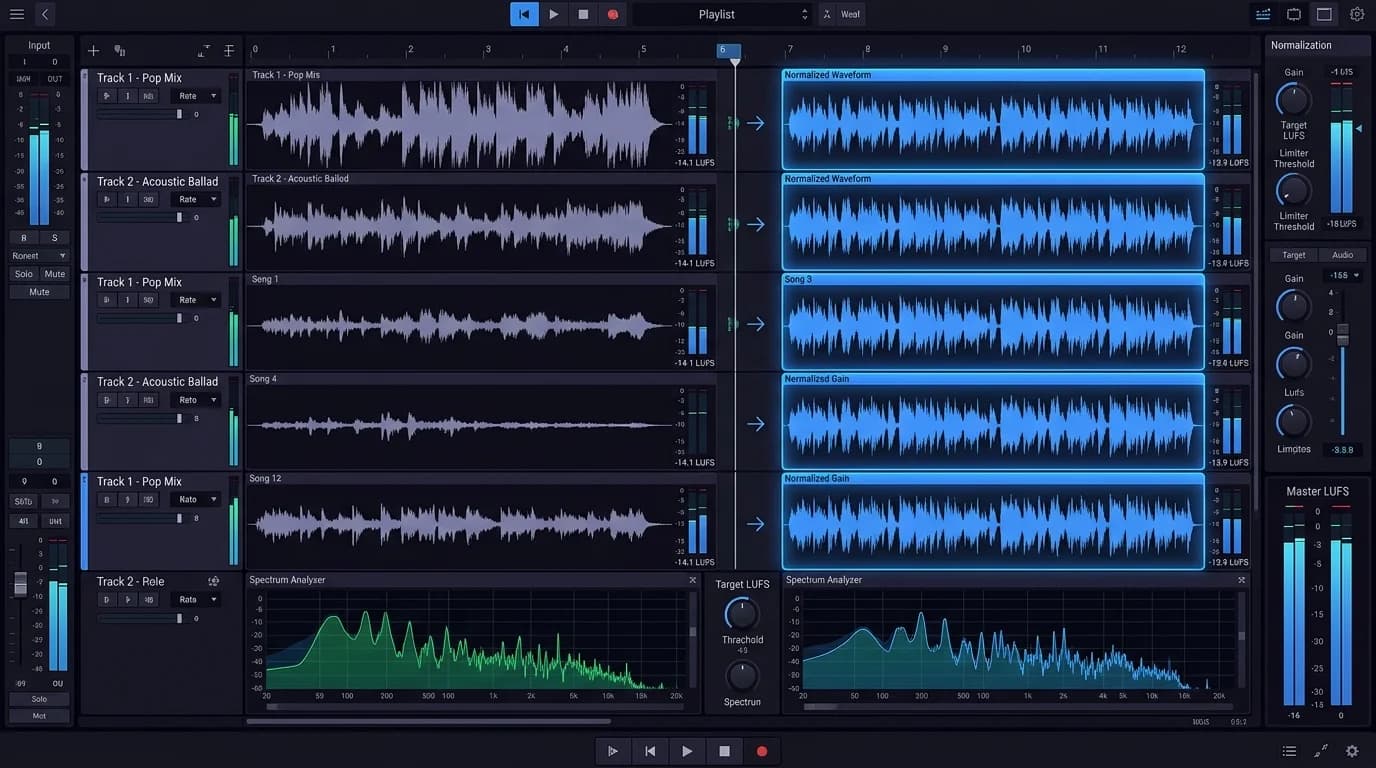
The "This Song Is Way Too Loud" Problem#
You're listening to a playlist and relaxing. The track changes and suddenly the volume spikes. You scramble to turn it down, only to find the next track barely audible. This happens to everyone who uses playlists -- and it's a much bigger problem for professionals.
For DJs at events, cafe and bar owners running BGM, YouTube streamers, and podcast producers, volume consistency across tracks is a fundamental skill.
Why Songs Have Different Volumes#
Mastering Differences#
Every song is mastered to a different loudness target depending on genre, era, and artistic intent:
| Genre | Typical Loudness | Characteristics |
|---|---|---|
| Modern pop | -6 to -9 LUFS | High loudness for phone speaker impact |
| EDM | -5 to -8 LUFS | Maximum loudness for club impact |
| Rock | -8 to -12 LUFS | Wide range depending on era |
| Jazz | -14 to -20 LUFS | Dynamics-focused, quieter |
| Classical | -18 to -25 LUFS | Widest dynamic range |
Playing a pop track followed by jazz can produce a 10+ dB volume gap -- perceptually about twice as loud or quiet.
The Loudness War Legacy#
Tracks from the 2000s loudness war era are extremely hot. Mixing them with older or more recent releases creates jarring level shifts.
Remaster Variations#
The same song can exist at different loudness levels as original and remastered versions -- an easy detail to miss in a large library.
Three Approaches to Volume Normalization#
Approach 1: Manual Gain Adjustment#
Adjust each track's gain individually in a DAW or audio editor.
Pros: Full control, free tools available (Audacity) Cons: Extremely time-consuming (5-10 minutes per track), requires loudness meter knowledge, must repeat for every new addition
Practical for 10-track playlists. Completely impractical for 100+ track libraries.
Approach 2: Streaming Platform Normalization#
Spotify, Apple Music, and YouTube Music all include built-in loudness normalization.
| Service | Target | Method | Accuracy |
|---|---|---|---|
| Spotify | -14 LUFS | Per-track | High |
| Apple Music | -16 LUFS | Sound Check | Medium |
| YouTube Music | -14 LUFS | Automatic | Medium |
| Amazon Music | Undisclosed | Automatic | Medium |
Pros: Toggle a setting and it works automatically, no extra cost Cons: Inconsistent in offline mode or external speaker output, doesn't apply to downloaded files, no EQ processing
Approach 3: DeckReady Batch Processing#
Process multiple audio files to a consistent loudness target with a single operation.
Pros:
- Batch processing for entire playlists
- Loudness normalization + EQ + limiting in one pass
- Processed files sound consistent on any playback system
- Use-case presets for automatic optimization
Cons:
- Requires file-based audio (doesn't process streaming playback)
Essential Loudness Concepts#
LUFS (Loudness Units Full Scale)#
A measurement of perceived loudness that accounts for human hearing characteristics. Unlike simple peak measurement, LUFS reflects how loud something actually sounds.
- -14 LUFS -- Spotify standard, general listening
- -16 LUFS -- BGM use, gentle and fatigue-free
- -6 LUFS -- Near the ceiling of modern pop loudness
True Peak#
The maximum instantaneous level in a digital signal. Exceeding 0 dB causes clipping (digital distortion). Standard practice: keep true peak at -1 dBTP or below.
Dynamic Range#
The difference between the quietest and loudest moments in a track. Jazz and classical have wide dynamic range; pop and EDM have narrow. When normalizing for BGM, slightly reducing dynamic range is acceptable. For focused listening, preserve as much as possible.
DeckReady Workflow#
Step 1: Prepare Your Files#
Gather all playlist tracks as audio files (WAV, MP3, FLAC -- any format works).
Step 2: Upload to DeckReady#
Drag and drop files into the browser. Multiple file upload supported.
Step 3: Select a Preset#
| Preset | Target LUFS | Use Case |
|---|---|---|
| DJ / Club | -9 LUFS | DJ performance |
| Lounge / BGM | -16 LUFS | Cafe, bar, restaurant BGM |
| Streaming | -14 LUFS | YouTube, podcast |
| Podcast | -16 LUFS | Spoken word content |
Step 4: Batch Process#
Click "Process All" to apply the preset to every uploaded file. Processing includes loudness normalization, EQ adjustment, and limiting.
Step 5: Download#
Download all processed files. Your playlist now has virtually zero volume variation between tracks.
DJ-Specific Tips#
Gain Staging Basics#
- Use mixer gain to match channel input levels -- the most fundamental skill
- VU meter target: 0 dB -- adjust gain knob when loading a new track 3. Keep master fader fixed -- adjust individual channels, not the master
The Pre-Processing Advantage#
More DJs are adopting the practice of batch-normalizing their entire library through DeckReady before gigs. This is especially valuable for B2B sets and open-format nights where you're pulling from many genres and the gain-riding workload is heaviest.
Summary#
Playlist volume consistency directly impacts listener experience.
| Method | Convenience | Accuracy | Cost |
|---|---|---|---|
| Manual gain adjustment | Low | High | Free (but time-intensive) |
| Streaming normalization | High | Medium | Free |
| DeckReady batch processing | High | High | Low cost |
For DJs, venue owners, and content creators who manage file-based audio, DeckReady batch processing is the most efficient solution. Process once, play anywhere with consistent volume.
Get DJ mastering tips
Weekly tips for music production.
Related Articles
DJ Loudness 101 — The Beginner's Guide to Audio Levels
Everything a beginner DJ needs to know about loudness, LUFS, and audio levels. Learn why tracks sound different at the club, how to compare your tracks, and how DeckReady helps you prepare.
Streaming Platform Loudness Standards: Complete 2026 Guide
Compare LUFS targets for Spotify, Apple Music, YouTube Music, Amazon Music, and Tidal. Learn the optimal mastering settings to avoid loudness penalties and ensure your music sounds great everywhere.
What Is LUFS? The Loudness Standard Every DJ Needs to Understand
LUFS explained for DJs: how it differs from dB and RMS, why it matters for streaming and club playback, recommended values by genre, and how DeckReady uses LUFS-based processing for consistent sets.
Do Beatport Tracks Need Mastering? Why Pro Tracks Still Need Adjustment
Beatport tracks are professionally mastered — so why do DJs still need to process them? Learn about label-to-label loudness differences, set consistency, and how DeckReady solves the problem.