Streaming Platform Loudness Standards: Complete 2026 Guide
Compare LUFS targets for Spotify, Apple Music, YouTube Music, Amazon Music, and Tidal. Learn the optimal mastering settings to avoid loudness penalties and ensure your music sounds great everywhere.
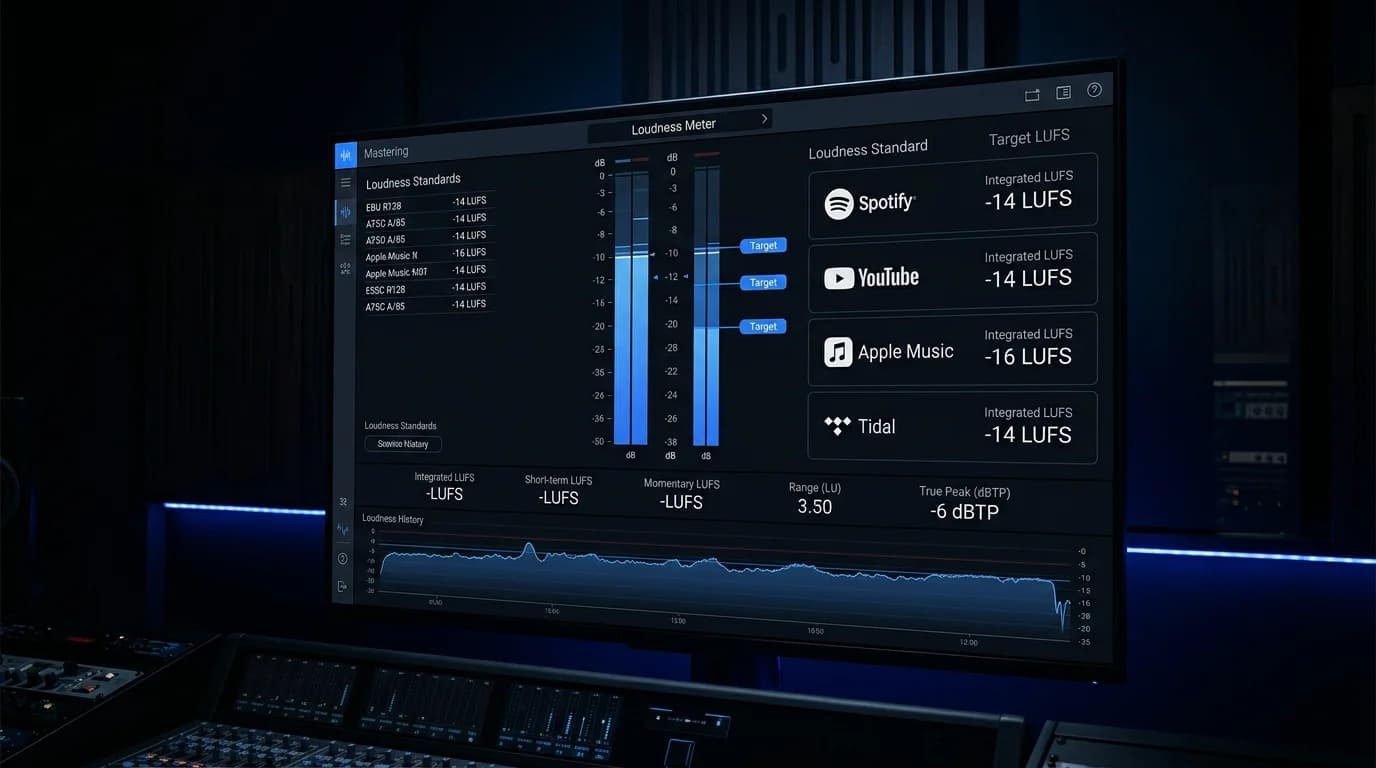
Understanding Streaming Loudness Standards#
Every major music streaming service uses "loudness normalization" to automatically adjust playback volume so that all songs in a playlist play at roughly the same perceived loudness.
However, each platform's target is slightly different. If your mastering does not account for these targets, unintended quality degradation can occur. This guide covers the 2026 standards for each platform and the optimal mastering strategy.
Loudness Fundamentals#
What Is LUFS?#
LUFS (Loudness Units relative to Full Scale) is a loudness measurement standard based on human hearing perception. Unlike traditional dB or RMS measurements, LUFS closely reflects how loud something actually sounds to a listener.
- -14 LUFS: Spotify's target. Standard for most pop music
- -16 LUFS: Apple Music's target. Slightly more conservative
- -24 LUFS: Broadcast standard. Very wide dynamic range
Numbers closer to 0 mean louder; larger negative numbers mean quieter.
True Peak#
The instantaneous peak level that occurs between digital audio samples. Streaming platforms recommend keeping True Peak at -1.0 dBTP or below to prevent digital clipping during encoding.
How Normalization Works#
Streaming services measure each track's integrated loudness and adjust playback volume to match their target. Tracks louder than the target are turned down; tracks quieter may be turned up.
Platform-by-Platform Loudness Standards#
Comparison Table#
| Platform | Target | True Peak Limit | Normalization | Codec |
|---|---|---|---|---|
| Spotify | -14 LUFS | -1.0 dBTP | On (default) | Ogg Vorbis 320kbps / AAC |
| Apple Music | -16 LUFS | -1.0 dBTP | On (Sound Check) | AAC 256kbps / ALAC |
| YouTube Music | -14 LUFS | -1.0 dBTP | On | AAC / Opus |
| Amazon Music | -14 LUFS | -2.0 dBTP | On | AAC / FLAC |
| Tidal | -14 LUFS | -1.0 dBTP | On | FLAC / MQA |
| SoundCloud | -14 LUFS | -1.0 dBTP | Conditional | Ogg Vorbis / AAC |
Platform Details#
Spotify offers three user-selectable volume levels:
- Loud: -11 LUFS
- Normal: -14 LUFS (default)
- Quiet: -23 LUFS
Master to -14 LUFS for the safest result. Tracks louder than -14 LUFS are turned down automatically, but quieter tracks are not boosted (as of 2026).
Apple Music uses Sound Check at -16 LUFS. This more conservative target preserves dynamic range in expressive music. Apple Music also supports lossless (ALAC) and Dolby Atmos spatial audio.
YouTube Music follows the same -14 LUFS standard as YouTube video. Processing may differ slightly between music videos and audio-only content.
Amazon Music targets -14 LUFS but enforces a stricter True Peak limit of -2.0 dBTP. Amazon Music HD supports lossless (FLAC) and Ultra HD up to 24-bit/192kHz.
What Happens When Loudness Does Not Match#
Too Loud (e.g., -8 LUFS uploaded to a -14 LUFS platform)#
The platform turns the volume down. The dynamics you sacrificed during mastering do not come back. The result: a flat, lifeless track that lost its punch for nothing.
Impact:
- Dynamics are gone, but volume is reduced anyway
- Sounds "squashed" compared to other tracks
- You lose the loudness war in the streaming era
Too Quiet (e.g., -20 LUFS on a -14 LUFS platform)#
Most platforms will boost the volume, but this can raise the noise floor or introduce distortion.
Impact:
- Background noise becomes audible
- Potential distortion artifacts
- Unintended dynamic range shifts
Optimal Mastering Settings#
Universal Recommendations#
| Parameter | Recommended Value |
|---|---|
| Integrated LUFS | -14 LUFS |
| True Peak | -1.0 dBTP or below |
| Dynamic Range | 8-12 dB |
| Sample Rate | 44.1kHz or higher |
| Bit Depth | 16-bit minimum (24-bit preferred) |
Genre-Specific Loudness Targets#
| Genre | Recommended LUFS | Rationale |
|---|---|---|
| Pop | -12 to -14 | Moderate loudness for comfortable listening |
| EDM/Dance | -8 to -12 | High energy, but consider normalization |
| Rock | -10 to -14 | Balance dynamics and impact |
| Jazz/Classical | -16 to -20 | Preserve dynamic range |
| Hip Hop | -10 to -14 | Maintain bass presence |
| Ambient | -18 to -23 | Protect subtle expression |
DeckReady for Loudness Management#
DeckReady simplifies loudness adjustment for both streaming distribution and DJ use.
For Streaming#
- Set DeckReady's target to -14 LUFS
Process your tracks 3. Upload the output files to your distributor
For DJ Use#
- Set DeckReady's target to -8 to -10 LUFS (club playback)
Batch process multiple tracks for consistent loudness 3. Import to rekordbox or your DJ software
FAQ#
Q: Can one master work for all platforms?#
Yes. A master at -14 LUFS / -1.0 dBTP works well across all major platforms. On Apple Music (-16 LUFS), the track will be slightly boosted, but the difference is negligible.
Q: Do some users disable normalization?#
Yes. On Spotify, users can turn normalization off. In that case, tracks play at their original mastered level, which means louder tracks will actually sound louder.
Q: Should I create separate masters for DJ use and streaming?#
Ideally, yes. Streaming masters should target -14 LUFS, while DJ masters should target -8 to -10 LUFS. DeckReady makes it easy to generate different loudness versions from the same source.
Conclusion#
In 2026, understanding loudness standards is essential for music distribution. Master to -14 LUFS / -1.0 dBTP as your baseline, and your tracks will play correctly on every major platform.
Avoid the loudness war. In the age of normalization, "crushing the dynamics to be louder" achieves nothing. Focus on preserving musicality within the -14 LUFS target, and your music will actually sound better than over-compressed alternatives.
Get DJ mastering tips
Weekly tips for music production.
Related Articles
What Is LUFS? The Loudness Standard Every DJ Needs to Understand
LUFS explained for DJs: how it differs from dB and RMS, why it matters for streaming and club playback, recommended values by genre, and how DeckReady uses LUFS-based processing for consistent sets.
YouTube Loudness Standards: How to Avoid the Loudness Penalty
YouTube normalizes all audio to -14 LUFS. Learn how the loudness penalty works, optimal mastering settings for different content types, and how DeckReady's Streaming preset automates YouTube-ready audio.
DJ Loudness 101 — The Beginner's Guide to Audio Levels
Everything a beginner DJ needs to know about loudness, LUFS, and audio levels. Learn why tracks sound different at the club, how to compare your tracks, and how DeckReady helps you prepare.
The Loudness War: A History of the Volume Arms Race in Music
Explore the history of the Loudness War from vinyl records to streaming normalization. Learn how the -14 LUFS standard ended decades of destructive compression, and why DJs still face loudness inconsistency today.