How to Master Audio for Car Listening — Drive BGM Optimization
Master your music for car audio playback. Learn about in-car acoustics, road noise compensation, subwoofer considerations, and how DeckReady's Club preset optimizes tracks for driving.
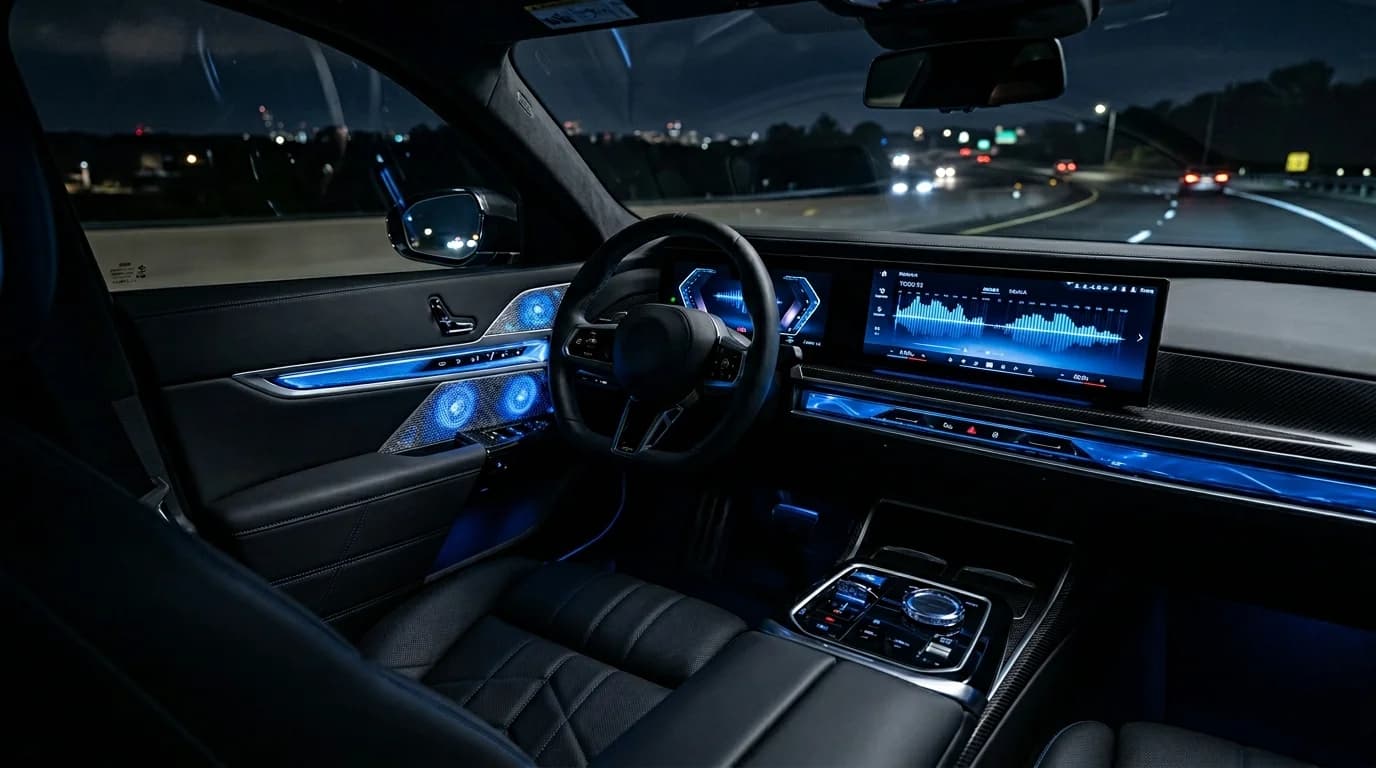
Cars Are a Unique Listening Environment#
A car cabin is one of the most acoustically challenging environments for music playback. Tracks that sound perfect on studio monitors can sound completely different inside a vehicle.
If you've ever thought "this track doesn't hit the same while driving," the problem may not be the song — it may be that the mastering wasn't optimized for in-car playback.
Understanding In-Car Acoustics#
Tight Sealed Space#
A car interior is roughly 70–140 cubic feet of sealed space. This creates:
Standing waves — Certain low frequencies resonate with cabin dimensions, causing bass to boom at some seat positions and cancel at others.
Early reflections — Dashboard, windshield, and ceiling reflections arrive with very short delays, blurring the stereo image.
Asymmetric speaker placement — From the driver's seat, left and right speakers are at different distances, skewing stereo perception.
Road Noise#
Driving constantly introduces broadband noise — tire roar, wind, and engine sound — concentrated in the low-to-mid range:
- 40–60 mph: Peaks at 100–500 Hz
- Highway speeds: Broadens to 200–800 Hz
- Engine noise: 100–300 Hz (varies by vehicle)
This noise masks basslines and low-frequency detail, making bass feel "weak" in the car.
Factory Audio System Characteristics#
OEM car audio systems apply proprietary EQ curves — they are not flat. Vehicles with subwoofers dramatically boost bass, which can over-amplify low-end processing in your masters.
Mastering Tips for Car Audio#
1. Tighten the Low End#
In the car, bass quality beats bass quantity:
- High-pass filter below 40 Hz (sub-bass reduction)
- Ensure 80–120 Hz kick and bass clarity
- Cut 1–3 dB in the 200–300 Hz "mud" zone
Tight, defined bass cuts through road noise and sounds clean on subwoofers.
2. Push the Mids Forward#
The 1–4 kHz range carries melodies and vocals — the elements most masked by road noise:
- Boost 1–3 kHz by 1–2 dB (shelving or bell curve)
- Enhance vocal presence at 2–5 kHz
- Bring out guitar/synth attack
This ensures melodies and vocals remain clear at highway speeds.
3. Adequate Loudness#
Car cabins have high noise floors, so overly dynamic tracks lose quiet passages to road noise:
- Drive BGM: -10 to -12 LUFS
- Party/club driving: -8 to -10 LUFS
Aim slightly louder than streaming standards (-14 LUFS), but only for locally stored files — streaming services apply their own normalization.
4. Moderate Stereo Width#
Asymmetric speaker placement means wide stereo images sound unnatural:
- Reduce stereo width to 80–90%
- Keep vocals, kick, and bass firmly centered
- Accept that hard-panned elements may only come from one speaker
5. Watch the Highs#
Car tweeters sit close to ears (A-pillars, dashboard tops), delivering high frequencies very directly:
- Minimize boosts above 8 kHz
- Use a de-esser for vocal sibilance
- Check for harsh peaks with a spectrum analyzer
Subwoofer-Equipped Vehicles#
Sub-Bass Control#
Car subwoofers typically reproduce 20–80 Hz. Tracks with heavy energy in this range can overwhelm the cabin:
- Keep sub-bass (20–60 Hz) minimal
- Define kick fundamentals clearly at 60–80 Hz
- Separate kick and bass occupancy at 80–120 Hz
Crossover Awareness#
Most car audio systems set subwoofer low-pass around 80 Hz and main speaker high-pass nearby. Energy near this crossover point can disappear or pile up — process the 60–120 Hz range with extra care.
Playlist Volume Consistency for Driving#
Volume jumps between tracks while driving force dangerous volume knob adjustments. Consistency matters for safety.
Solutions#
- Enable streaming normalization — Turn on Spotify/Apple Music loudness normalization
- Local files — Process through DeckReady with a consistent preset for uniform LUFS 3. ReplayGain — Use foobar2000 or MusicBee to apply replay gain tags
Why DeckReady's Club Preset Works for Cars#
DeckReady's Club preset characteristics align well with car playback needs:
- Tight bass — Controlled sub-bass, clear kick and bass separation
- Adequate loudness — Enough level to overcome road noise
- Forward mids — Melodies and vocals cut through
For a "made for driving" sound, the Club preset is a strong starting point.
In-Car Verification Checklist#
After mastering, play your tracks in the car and check:
- Bass audible? — Test while driving, engine running
- Vocals clear? — Not buried under road noise 3. Highs comfortable? — No ear fatigue over long drives 4. Volume adequate? — Listenable without extreme volume settings 5. Track-to-track consistency? — Smooth playlist playback 6. Subwoofer response? — Bass not bloated or boomy
Summary#
Mastering for car audio requires understanding the unique in-car environment: road noise competition, resonant bass behavior, asymmetric speaker placement, and close-proximity tweeters. The recipe is tight bass, forward mids, moderate stereo width, and adequate loudness. DeckReady's Club preset delivers these characteristics without requiring mastering expertise, turning any track into a satisfying drive companion.
Get DJ mastering tips
Weekly tips for music production.
Related Articles
How to A/B Compare Audio Like a Pro — Train Your Ears
Learn the correct way to A/B compare audio before and after processing. Eliminate loudness bias, use blind testing, and focus on the right frequency bands to make better mixing and mastering decisions.
ASMR Recording & Mastering Guide — Capture Whispers Beautifully
Complete guide to recording and mastering ASMR audio. Learn noise floor management, dynamic range optimization, platform-specific LUFS settings, and best practices for whisper-quiet content.
Mastering Tips for Bandcamp Releases — Self-Release Like a Pro
Essential mastering tips for Bandcamp self-releases. Learn optimal upload formats, genre-specific LUFS targets, album consistency techniques, and how DeckReady simplifies Bandcamp mastering.
How to Fix Volume Inconsistency in DJ Mixes: A Complete Guide
Why tracks in your DJ set have different volumes and how to fix it. Learn gain staging, pre-mastering workflows, and how DeckReady batch-normalizes your entire setlist for consistent, professional mixes.