Stem Mastering Explained: How It Differs from Standard Mastering
Understand the difference between stem mastering and standard stereo mastering. Learn when each approach is worth the cost, how to prepare stems, and when DeckReady offers the right middle ground.
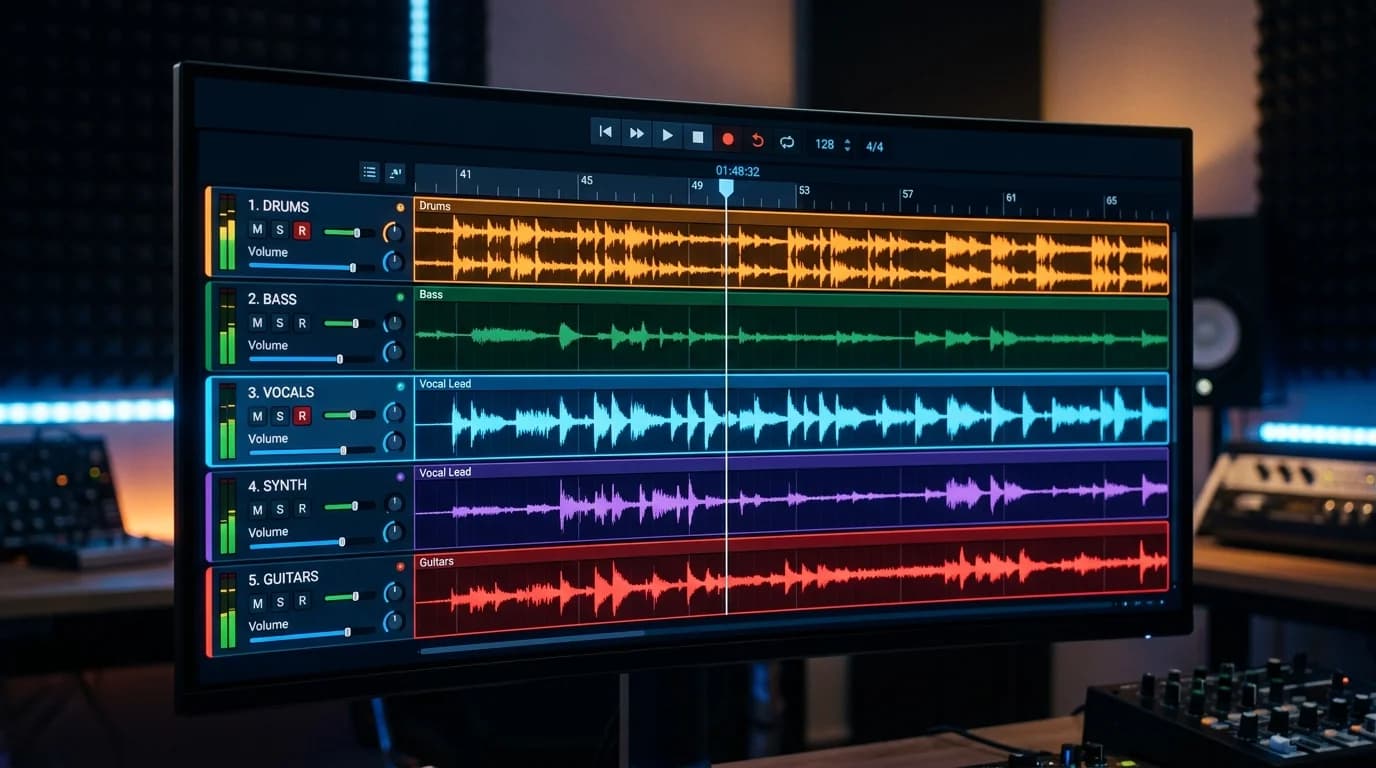
Two Types of Mastering#
When people think of mastering, they typically picture the final adjustments applied to a finished stereo mix. But there are actually two distinct approaches.
Standard mastering (stereo mastering): Processing applied to a single completed stereo file. This is the most common method.
Stem mastering: The song is exported as grouped instrument stems, each processed individually before being combined into the final master.
This article explains how stem mastering works, how it compares to standard mastering, and how to decide which approach is right for your project.
What Are Stems?#
Stems are audio files that group multiple tracks from a mix into categories. A song with 10 tracks might be consolidated into 4-6 stems:
| Stem Name | Typical Contents |
|---|---|
| Drum stem | Kick, snare, hi-hat, toms, overheads |
| Bass stem | Bass guitar, synth bass |
| Vocal stem | Lead vocal, harmonies, backing vocals |
| Music stem | Guitar, piano, synths, strings |
| FX stem | Reverb returns, delay returns, sound effects |
Each stem is a stereo file, and when all stems play simultaneously, they recreate the original mix.
Stems vs. Multitracks#
Stems are often confused with multitracks (parallel data):
- Multitracks: Each individual track exported separately (e.g., kick alone, snare alone)
- Stems: Multiple tracks grouped and bounced together (e.g., all drums as one file)
Multitracks are for mixing. Stems are for mastering.
How Stem Mastering Works#
In stem mastering, the engineer applies individual processing to each stem before combining them.
The Process#
-
Individual stem processing
- Drum stem: Low-end tightening, transient shaping
- Bass stem: Low-end treatment, saturation
- Vocal stem: High-frequency processing, de-essing
- Music stem: Frequency separation, stereo image adjustment
-
Stem balance adjustment
- Fine-tune volume balance between stems
- Fix frequency collisions between individual groups
-
Master bus processing
- Same final processing as standard mastering: EQ, compression, limiting
- Final loudness adjustment
Stem mastering is essentially a hybrid of final mix adjustments and mastering combined into one stage.
Standard vs. Stem Mastering Comparison#
Correction Capability#
This is the biggest difference.
Standard mastering: Only global processing is possible on the stereo file. "Make just the vocals louder" or "tighten only the kick's low end" is extremely difficult.
Stem mastering: Each group can be processed independently. "Cut 3kHz on the vocal" or "add saturation to the bass" is straightforward.
Flexibility#
| Capability | Standard Mastering | Stem Mastering |
|---|---|---|
| Vocal level adjustment | No | Yes |
| Drum punch adjustment | Limited | Yes |
| Bass frequency fixing | Limited | Yes |
| Overall EQ adjustment | Yes | Yes |
| Loudness adjustment | Yes | Yes |
| Stereo width control | Yes | Yes (per-group) |
Sound Quality#
Stem mastering does not automatically produce better sound quality. When the mix is solid, standard mastering delivers professional results. Stem mastering shows its value when the mix needs corrections.
Cost Comparison#
Typical Rates (2026)#
| Service | Per-Track Cost | Notes |
|---|---|---|
| Standard mastering (freelance) | $50-$150 | Varies by experience |
| Standard mastering (studio) | $150-$500 | Premium environment |
| Stem mastering (freelance) | $100-$300 | Varies by stem count |
| Stem mastering (studio) | $300-$800 | High-end facility |
| Online AI mastering | $0-$30 | Convenient but limited |
Stem mastering typically costs 1.5-2x more than standard mastering. More stems mean more work and higher prices.
Cost Efficiency#
- Budget available: Stem mastering for maximum quality
- Limited budget: Polish the mix carefully, then use standard mastering
- DIY needed: Self-mastering with an online tool
When to Choose Each Approach#
Self-Mastering Fits When:#
- Demo tracks or casual SoundCloud uploads
- Zero budget
- Learning mastering skills
- Rush release with no time for back-and-forth with an engineer
Professional Mastering Fits When:#
- Commercial release (Spotify, Apple Music distribution)
- Label or competition submission
- Mix has issues you cannot fix (consider stem mastering)
- Hi-res or vinyl release
DeckReady as a Middle Ground#
For creators who fall between self-mastering and professional services, DeckReady offers preset-based mastering that meets streaming platform standards. It lacks the per-stem flexibility of a professional engineer, but delivers consistent, platform-ready results without requiring deep technical knowledge.
How to Prepare Stems#
If you decide to go the stem mastering route, here is how to export stems correctly.
Rules#
- All stems must be the same length: Export from the very start to the very end of the song
- Include effects: Bounce with reverb and delay applied (discuss with your engineer) 3. Faders at unity (0dB): Preserve your mix balance 4. No clipping: Each stem's peak must stay below 0dBFS 5. Remove master bus processing: Disable any compressors or limiters on the master bus before bouncing
Recommended Stem Splits by Genre#
| Genre | Stem Count | Split Method |
|---|---|---|
| Pop | 4-5 | Drums / Bass / Vocals / Instruments / FX |
| EDM | 4-6 | Kick / Bass / Lead / Pad / Vocals / FX |
| Rock | 4 | Drums / Bass / Guitar / Vocals |
| Hip Hop | 3-4 | Beat / Bass / Vocals / Samples |
Decision Flowchart#
Q1: Are you confident in your mix? Yes -> Standard mastering is fine No -> Go to Q2
Q2: Do you have the budget? Yes -> Stem mastering recommended No -> Go to Q3
Q3: Do you have time to revise the mix? Yes -> Fix the mix, then standard mastering No -> Use an online tool like DeckReady for self-mastering
Conclusion#
Stem mastering is a powerful approach that lets an engineer fix mix issues while mastering simultaneously. It offers per-group control that standard mastering cannot match, and can significantly improve final quality when the mix needs work. However, it costs 1.5-2x more. When your mix is well-polished, standard mastering is perfectly sufficient. Choose the approach that matches your track's condition and your budget.
Get DJ mastering tips
Weekly tips for music production.
Related Articles
5 Best Free Mastering Tools in 2026: Ranked for Beginners
Compare the top 5 free mastering tools available in 2026. DeckReady, LANDR, BandLab, Audacity, and Soundtrap reviewed with features, pros, cons, and a beginner-friendly ranking.
How to Make GarageBand Tracks Sound Professional
Turn your GarageBand productions into release-ready tracks. Learn GarageBand's real limitations, optimal export settings, mixing tips, and how to master with DeckReady for Spotify and Apple Music quality.
Is Mastering Really Necessary? When You Need It and When You Don't
A practical guide to when mastering is essential and when you can skip it. Covers music distribution, DJ sets, BGM production, and demos — with concrete before/after examples and quick-start recommendations.
How to Master Lo-Fi Beats Without Killing the Vibe
Master Lo-Fi beats while preserving their signature warmth and texture. Learn the right EQ approach, compression settings, ideal LUFS targets, and why restraint is the most important mastering skill for Lo-Fi.