Is Mastering Really Necessary? When You Need It and When You Don't
A practical guide to when mastering is essential and when you can skip it. Covers music distribution, DJ sets, BGM production, and demos — with concrete before/after examples and quick-start recommendations.
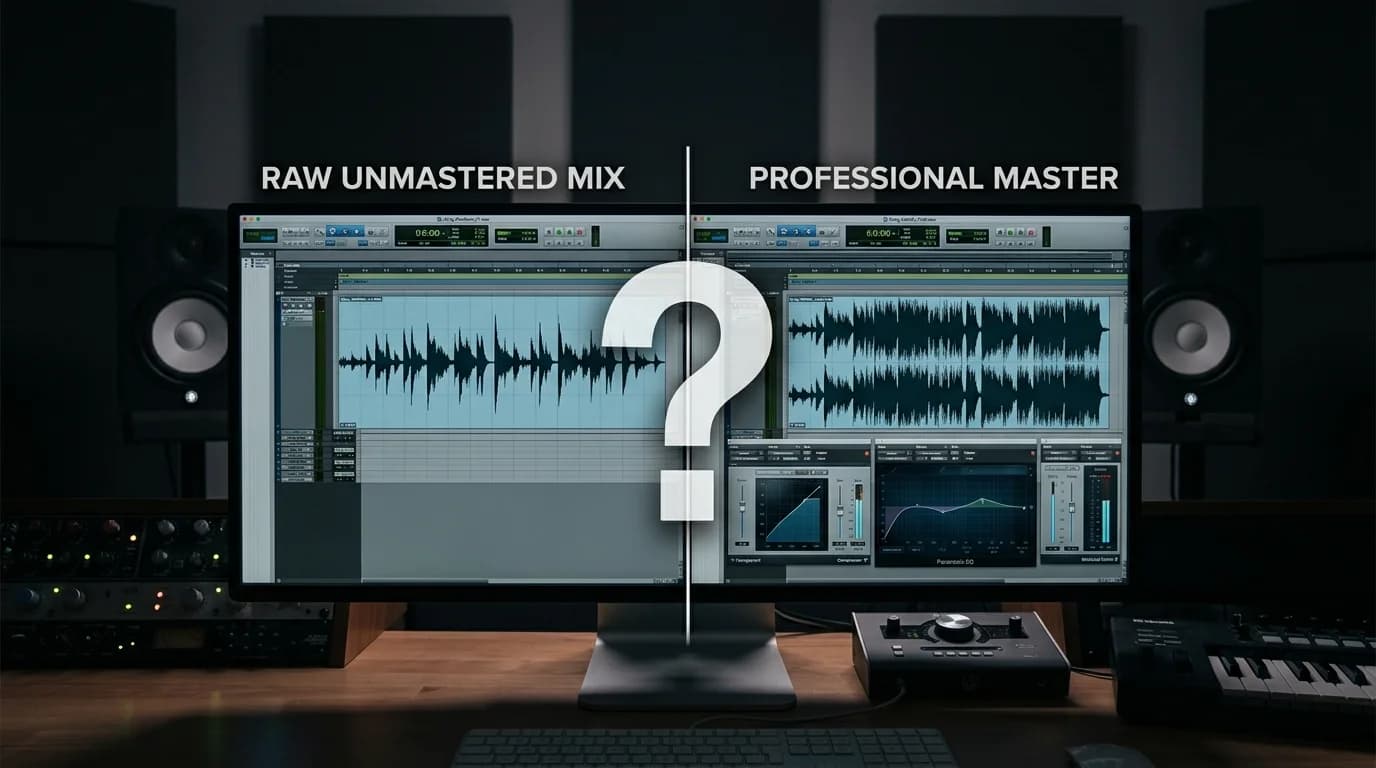
The Short Answer#
Mastering is neither "always essential" nor "never needed." The answer depends on your use case and quality requirements.
This guide explains what mastering actually does, when it matters, and when you can legitimately skip it.
What Mastering Actually Does#
Mastering is the final processing step applied to a completed stereo mix. It includes:
EQ (Equalization)#
Balances the overall frequency spectrum so the track translates well across different playback systems.
Compression#
Controls the dynamic range — bringing quiet parts up and loud parts down for consistent, comfortable listening.
Limiting#
Prevents clipping while raising overall loudness. Essential for digital distribution where exceeding 0dBFS causes distortion.
Stereo Imaging#
Adjusts stereo width — narrowing lows for stability, widening highs for spatial depth.
Loudness Adjustment#
Calibrates to platform-specific targets like Spotify (-14 LUFS) or Apple Music (-16 LUFS).
When Mastering Is Necessary#
1. Streaming Platform Releases#
For Spotify, Apple Music, Tidal, and similar services, mastering is effectively mandatory.
Why:
- Each platform has loudness normalization standards
- Your tracks play alongside professionally mastered music
- True Peak compliance is required
Without mastering, platform normalization may alter your audio in unintended ways.
2. DJ Performance#
DJ sets chain tracks from different artists, eras, and sources. Without loudness normalization, volume jumps at every transition break the flow.
Full mastering isn't always required — tools like DeckReady that focus on loudness normalization deliver massive improvement with minimal effort.
3. BGM Production and Delivery#
Corporate BGM, game music, video soundtracks — client specifications dictate specific mastering requirements.
- TV commercials: -24 LKFS (broadcast standard)
- Games: Dynamic range suited to interactive playback
- YouTube videos: -14 LUFS recommended
4. Physical Media (CD/Vinyl)#
CD releases require DDP file creation, inter-track gap settings, and ISRC code embedding — all part of the mastering process.
5. Live PA#
Tracks intended for live venue playback benefit from mastering optimized for PA systems. Inadequate low-end management or dynamics control creates problems at high volume.
When Mastering Is Unnecessary#
1. Already Professional-Quality Mixes#
If a professional mixing engineer has delivered a mix with proper loudness calibration, mastering may add marginal improvement. This is rare in practice, though.
2. Demos and Rough Mixes#
Work-in-progress tracks aren't at the final stage yet. Mastering before the mix is locked means redoing it every time the mix changes.
Exception: for client presentations or social media teasers, a quick pass through DeckReady or LANDR improves the impression.
3. Personal Listening#
Tracks you only listen to yourself don't need mastering.
4. Podcasts and Voice Content (Conditional)#
Speech-only content needs different processing than music mastering. Loudness normalization and noise reduction are usually sufficient.
Concrete Before/After Examples#
What Changes#
Before mastering:
- Notably quieter than other tracks on streaming platforms
- Muddy low-end that sounds unclear on phone speakers
- Harsh high frequencies that cause listening fatigue
- Narrow, flat-sounding stereo image
After mastering:
- Competitive loudness (-14 LUFS) matching other releases
- Tight low-end that translates across speaker types
- Smooth highs comfortable for extended listening
- Dimensional stereo width with depth
Measurable Differences#
| Metric | Before | After |
|---|---|---|
| Loudness | -20 LUFS | -14 LUFS |
| True Peak | -1.2 dBTP | -1.0 dBTP |
| Dynamic range | 14 dB | 10 dB |
| Frequency balance | Bass-heavy | Flat/balanced |
Risks of Skipping Mastering#
- Volume mismatch: Your track sounds noticeably quieter (or louder) next to other songs in a playlist
- Playback incompatibility: Sounds good on your monitors but breaks down on other systems 3. Clipping: Uncontrolled True Peak causes distortion on streaming platforms 4. Amateur impression: Good mix, but the lack of final polish is perceptible
Getting Started Easily#
Even if mastering seems necessary, cost and complexity can be barriers. These options make it accessible:
DeckReady (Recommended for DJs and loudness normalization)#
Drag-and-drop in your browser, set your LUFS target, done. Free plan processes 5 tracks per month. Ideal for DJ track normalization and streaming preparation.
LANDR (Recommended for releases)#
AI handles everything. Choose a style and intensity, get professional results. Distribution integration available.
iZotope Ozone (Recommended for serious producers)#
DAW plugin with full manual control. Master Assistant feature gives beginners a starting point, with deep customization for advanced users.
Final Thoughts#
Mastering isn't universally mandatory, but it's valuable in far more situations than people realize. Music distribution, DJ performance, BGM delivery — in all these contexts, mastering makes a meaningful quality difference.
Start with a free tool like DeckReady or LANDR's trial to experience the impact firsthand. Once you hear what mastering does, it naturally becomes part of your production workflow.
Get DJ mastering tips
Weekly tips for music production.
Related Articles
How to A/B Compare Audio Like a Pro — Train Your Ears
Learn the correct way to A/B compare audio before and after processing. Eliminate loudness bias, use blind testing, and focus on the right frequency bands to make better mixing and mastering decisions.
How to Improve the Sound Quality of Downloaded Music (Beginner's Guide)
A beginner-friendly guide to improving downloaded music quality. Learn to identify low-quality audio, understand what mastering can and can't fix, and use DeckReady for quick sound improvements.
5 Best Free Mastering Tools in 2026: Ranked for Beginners
Compare the top 5 free mastering tools available in 2026. DeckReady, LANDR, BandLab, Audacity, and Soundtrap reviewed with features, pros, cons, and a beginner-friendly ranking.
How to Make GarageBand Tracks Sound Professional
Turn your GarageBand productions into release-ready tracks. Learn GarageBand's real limitations, optimal export settings, mixing tips, and how to master with DeckReady for Spotify and Apple Music quality.