Instagram Reels Audio Optimization: Settings That Get Views
Optimize your Instagram Reels audio for maximum engagement. Learn the -14 LUFS target, BGM-to-voice balance ratios, in-app vs. pre-processing workflows, and content-specific audio design strategies.
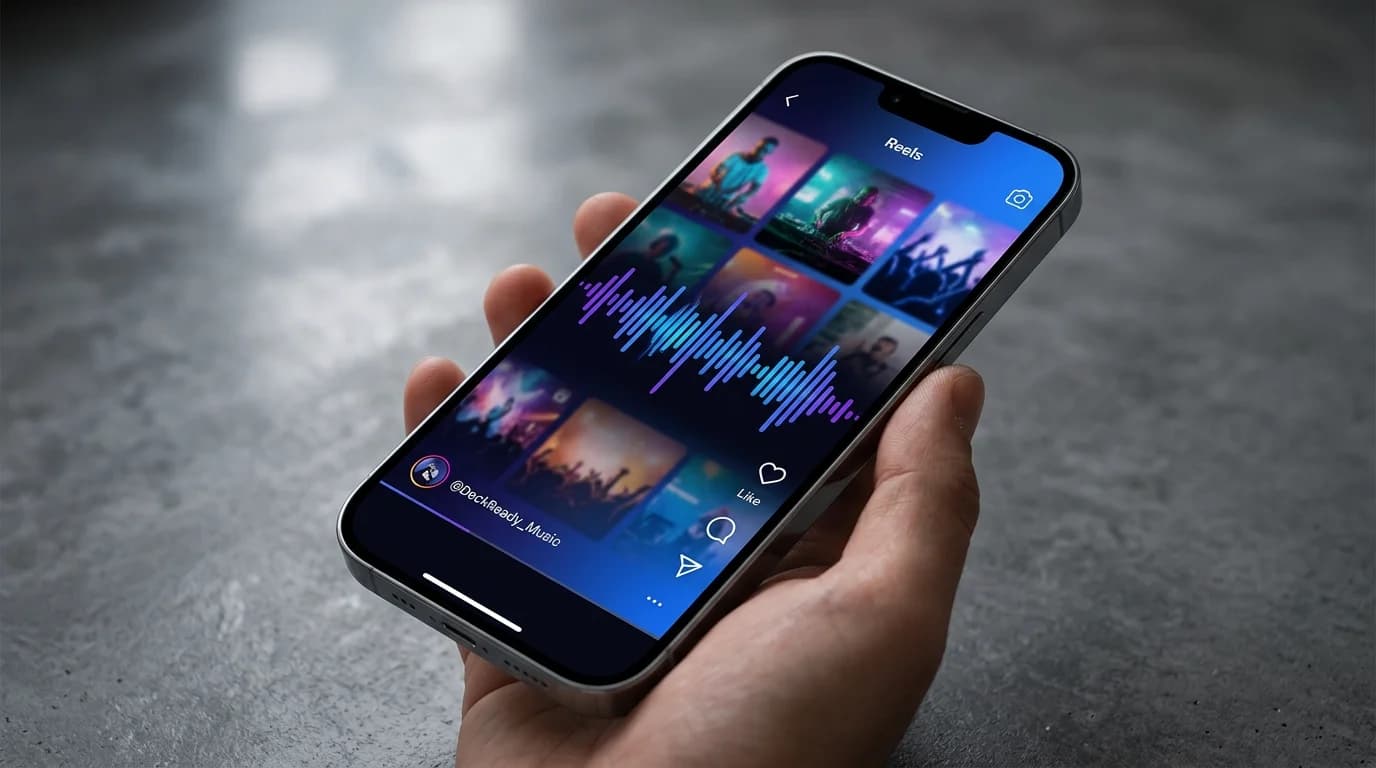
Reels Audio Quality Directly Impacts Engagement#
Instagram Reels has become a dominant short-form video platform alongside TikTok. While most creators obsess over visual quality, audio optimization is frequently overlooked.
Instagram's internal data shows that roughly 80% of Reels viewers watch with sound on. Audio is as important as video for driving engagement.
Low volume, BGM drowning out the message, clipping distortion — all preventable with the right settings.
This guide covers optimal audio settings and practical optimization techniques for Instagram Reels.
Understanding Reels Audio Standards#
Instagram's Internal Processing#
Instagram applies these processes to uploaded video audio:
- Compression: Converts to AAC codec (~128kbps)
- Loudness adjustment: Platform-side normalization 3. Clipping prevention: Peak level limiting
Recommended Loudness Settings#
The optimal Reels audio target is -14 LUFS.
| Parameter | Recommended Value |
|---|---|
| Integrated loudness | -14 LUFS |
| True Peak | -1 dBTP |
| Loudness range | 5–8 LU |
| Sample rate | 44.1kHz or 48kHz |
Why -14 LUFS Works Best#
- Minimal platform processing: The closer to Instagram's reference, the less normalization alters your audio
- Adequate smartphone volume: -14 LUFS plays clearly through phone speakers 3. Consistency with other Reels: Viewers scrolling through content won't experience jarring volume shifts 4. Cross-platform compatibility: TikTok and YouTube Shorts share the same target
Strategic BGM Usage#
The Three-Layer Audio Structure#
Effective Reels audio consists of three layers:
| Layer | Purpose | Recommended Level |
|---|---|---|
| Voice (narration/talk) | Message delivery | -12 to -8 dBFS |
| BGM | Mood and tempo | -24 to -18 dBFS |
| Sound effects (SFX) | Emphasis points | -16 to -10 dBFS |
BGM Selection Strategy#
Using Instagram's audio library:
Instagram's built-in library offers copyright-safe options with some caveats:
- Trending audio gets algorithmic preference
- Business accounts have restricted access to many tracks
- Volume control is limited
Using your own BGM:
Pre-optimized BGM gives you precise control:
- Normalize royalty-free tracks to -24 to -18 dBFS
- Pre-check voice-to-BGM balance
- Mix transition sounds and accents in advance
Voice and BGM Balance#
The rule for combining voice and BGM in Reels: BGM sits 12–14dB below voice.
Workflow for a 15-second Reel:
- Set voice peaks at -6 dBFS
Set BGM at -20 dBFS 3. Apply limiter with -1 dBTP ceiling 4. Verify total loudness reads -14 LUFS
In-App Editing vs. Pre-Processing#
In-App Editing#
Pros:
- Quick and easy posting
- Instant access to trending audio
- Instagram-native effects available
Cons:
- No fine-grained volume control
- No EQ or compression
- Rough BGM-voice balance
- No precise loudness control
Pre-Processing#
Pros:
- Precise -14 LUFS targeting
- EQ, compression, and limiting for optimal quality
- Exact BGM-voice balance
- One export works across all platforms
Cons:
- Takes more time
- Requires audio editing knowledge
- Can't use Instagram's trending audio
Recommended Workflows#
Quality-focused (business and education accounts):
- Record voice with an external microphone
Process in a DAW: noise removal, EQ, compression 3. Mix with BGM (balance adjusted) 4. Master to -14 LUFS / -1 dBTP 5. Combine with video in editing software 6. Upload to Instagram
Speed-focused (casual posting):
- Record in the Instagram app
Add BGM from the library 3. Adjust volume slider roughly 4. Post directly
Content-Type Audio Design#
Talk-Based Reels (tutorials, tips, reviews)#
Voice clarity is the top priority.
- Voice: -10 dBFS / compression at 3:1
- BGM: -24 dBFS / instrumental only
- Add a hook SFX at the start to stop the scroll
- Include captions (for viewers watching on mute)
Visual Reels (food, fashion, travel)#
BGM carries the audio when visuals are the star.
- BGM: -14 dBFS (as primary audio)
- Narration (if present): -8 dBFS
- Ambient/ASMR sounds: -18 dBFS
- Use trending BGM for algorithm benefits
Product and PR Reels#
Professional audio quality builds trust for brand content.
- Voice: -8 dBFS / professional microphone
- BGM: -22 dBFS / brand-appropriate selection
- SFX: Product clicks, unboxing sounds (-14 dBFS)
- Pre-processing strongly recommended
Technical Tips#
Voice EQ#
- Below 80Hz: High-pass filter (wind noise, vibration)
- 200–300Hz: -2dB (muddiness reduction)
- 2–4kHz: +2 to +3dB (voice clarity)
- 6–8kHz: +1dB (presence)
Compression#
- Threshold: -16dBFS
- Ratio: 3:1 to 4:1
- Attack: 5ms
- Release: 100ms
- Makeup gain: +3 to +5dB
Limiter#
- Ceiling: -1 dBTP
- Release: 50ms
Free Loudness Meters#
- Youlean Loudness Meter (VST/AU, free tier)
- dpMeter 5 (free, cross-platform)
- Orban Loudness Meter (free, web-based)
Cross-Platform Posting#
Platform Comparison#
| Platform | Recommended LUFS | Aspect Ratio | Max Length |
|---|---|---|---|
| Instagram Reels | -14 LUFS | 9:16 | 90 sec |
| TikTok | -14 LUFS | 9:16 | 10 min |
| YouTube Shorts | -14 LUFS | 9:16 | 60 sec |
All three platforms target -14 LUFS, so a single audio master works everywhere.
Key Takeaways#
- Target -14 LUFS for Reels audio
- BGM sits 12–14dB below voice 3. In-app editing is fast but quality-limited 4. Business accounts should pre-process for consistent quality 5. Design audio around content type (talk vs. visual vs. product) 6. Apply EQ, compression, and limiting for clear, professional voice 7. -14 LUFS works across all short-form platforms
High-quality audio makes your Reels memorable and drives follower growth.
Get DJ mastering tips
Weekly tips for music production.
Related Articles
Audio Settings for Educational YouTube Videos: A Complete Guide
Optimize audio for educational and tutorial YouTube videos. Learn the ideal loudness levels, BGM-to-narration balance, EQ settings for listener comfort, and export configurations for maximum clarity.
Game Streaming Audio Guide: Balancing Game Sound, Mic, and BGM
Master the audio balance for game streaming and let's plays. Learn optimal volume ratios for game audio, microphone, and BGM, plus OBS filter chains, compression settings, and platform-specific loudness targets.
Fitness Gym BGM Settings: Audio That Boosts Workout Performance
Optimize your gym's BGM for maximum workout motivation. Learn zone-specific volume settings, BPM recommendations, the science of music and exercise performance, and how Club presets enhance training energy.
What Is Mastering? A Complete Beginner's Guide for 2026
Understand audio mastering from the ground up: what it is, how it differs from mixing, the specific processing involved, and when to use professional engineers vs. AI tools vs. DeckReady for DJ-optimized results.