What Is Mastering? A Complete Beginner's Guide for 2026
Understand audio mastering from the ground up: what it is, how it differs from mixing, the specific processing involved, and when to use professional engineers vs. AI tools vs. DeckReady for DJ-optimized results.
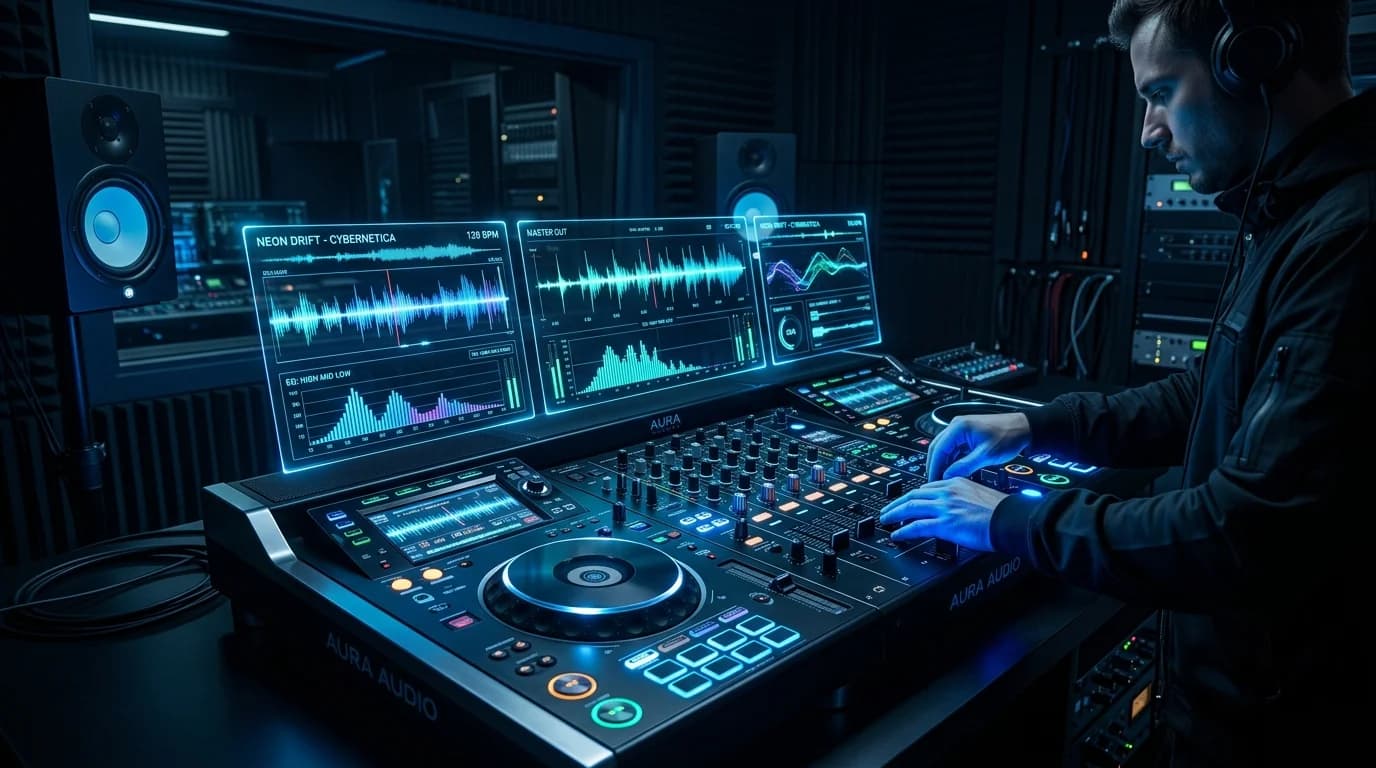
What Is Mastering?#
Mastering is the final stage of music production. It takes a completed stereo mix and applies final adjustments to make it ready for distribution and playback across all environments.
If mixing is "cooking the meal," mastering is "plating and the final taste check." Great ingredients and careful cooking still need proper presentation and seasoning balance before serving.
Mixing vs. Mastering#
These two stages are frequently confused, so let's draw a clear line.
Mixing#
- Input: Individual tracks (drums, bass, vocals, etc.)
- Goal: Balance all elements into a cohesive stereo mix
- Process: Volume balancing, panning, EQ, compression, reverb, and other effects
- Decisions: Relationships between instruments, spatial placement, frequency separation
Mastering#
- Input: The completed stereo mix (a single two-channel file)
- Goal: Prepare for distribution across all playback systems
- Process: Subtle EQ adjustments, compression, limiting, stereo image processing
- Decisions: Overall balance, consistency with other commercial releases
The critical difference: mixing lets you adjust individual tracks. Mastering works on the entire stereo file. You cannot make just the vocal louder or add reverb to only the drums at the mastering stage.
What Happens During Mastering#
1. EQ (Equalization)#
Fine-tuning the frequency balance. Unlike mixing EQ, mastering EQ typically involves 0.5-2dB adjustments — extremely subtle moves.
- Low end: Remove unnecessary sub-bass below 30Hz, control low-end bloat
- Midrange: Adjust vocal and melody clarity
- High end: Add air and sparkle, or tame harshness
If mastering EQ requires dramatic changes, the mix probably has issues that should be fixed first.
2. Compression#
Controls the dynamic range (the gap between the loudest and quietest moments). Mastering compression is gentle — typically a 1.5:1 to 3:1 ratio — adding cohesion and glue to the overall sound.
Over-compression is a classic trap: "louder but lifeless." Kick attacks vanish, vocal dynamics flatten, and everything plays at the same level in a fatiguing wall of sound.
3. Limiting#
The final processing stage. A limiter prevents the signal from exceeding a set ceiling.
- True Peak limiting: Typically set to -1.0 dBTP (streaming platform requirement)
- Loudness management: Lowering the limiter threshold increases perceived volume
- Clipping prevention: Stops inter-sample peaks from causing distortion after DA conversion
4. Stereo Image Processing#
Adjusting width and depth perception.
- Width control: Mid/Side processing balances center content against side content
- Low-end mono: Summing sub-bass (below 80Hz) to mono stabilizes club subwoofer playback
- Phase verification: Checking that left and right channels are not phase-inverted
5. Dithering#
A process that mitigates quantization noise when converting bit depth. Applied when converting 24-bit mixes to 16-bit for CD or MP3 distribution. Subtle but audible in quiet fade-outs and reverb tails.
Why Mastering Is Necessary#
1. Competitive Loudness#
Every commercial release goes through mastering. Unmastered tracks placed in a Spotify or Apple Music playlist sound noticeably quieter and thinner.
2. Playback Environment Optimization#
Music plays through headphones, car speakers, club systems, and phone speakers. Mastering ensures balanced sound across all environments.
3. Album/EP Consistency#
When releasing multiple tracks, mastering evens out volume and tonal differences between songs for a cohesive listening experience.
4. Technical Quality Assurance#
Guarantees compliance with platform requirements: loudness standards, True Peak limits, and format specifications.
Professional Engineers vs. AI Tools vs. DeckReady#
Professional Mastering Engineers#
Pros: Decades of experience, premium analog equipment (worth hundreds of thousands of dollars), genre expertise, revision capability through client communication
Cons: Expensive ($50-$500+ per track), turnaround time (days to weeks), risk of mismatched aesthetic preferences
Online AI Mastering Services#
Services like LANDR, eMastered, and CloudBounce use machine learning.
Pros: Low cost (subscription-based, a few dollars per month), instant processing, consistent baseline quality
Cons: Generic processing, limited genre nuance, minimal customization
DeckReady — DJ-Focused Approach#
DeckReady differs from general mastering tools by specializing in DJ and club environments.
DeckReady's strengths:
- Frequency balance optimized for club sound systems
- DJ-appropriate loudness levels (-6 to -8 LUFS)
- Batch processing for entire setlists
- Preset-based workflow requiring no technical expertise
Think of it this way: professional mastering is for "releases." DeckReady is for "performance." Beatport tracks are already professionally mastered, but they may not be optimized for club playback. DeckReady handles that final optimization step.
A Brief History of Mastering#
Analog Era (through the 1990s)#
Mastering originated as part of vinyl record cutting. Cutting engineers adjusted audio to accommodate the physical limitations of vinyl grooves.
Early Digital (1990s-2000s)#
CDs removed physical constraints, triggering the "loudness war" — a race to make music as loud as possible.
Streaming Era (2010s-present)#
Loudness normalization on Spotify and other platforms made excessive loudness pointless. Natural, dynamic mastering is now preferred.
AI Era (2020s-present)#
Machine learning-based mastering tools democratized the process, delivering baseline professional quality automatically.
Beginner Tips#
Do Not Overdo It#
Mastering is about "refining," not "transforming." Aggressive EQ boosts, heavy compression, and extreme stereo widening are all counterproductive.
Have the Courage to Go Back to the Mix#
Problems that cannot be fixed in mastering should be fixed in the mix. Mastering is "final polish," not "rescue operation."
Use Reference Tracks#
Keep a professionally mastered reference track loaded for A/B comparison. Frequent comparison provides objective perspective.
Monitor Properly#
Mastering decisions depend entirely on what you hear. Headphones alone tend to mislead on bass balance. Use at least:
- Studio monitors: Flat-response speakers for primary judgment
- Headphones: Detail and noise detection
- Consumer playback: Car stereo, phone speaker — what listeners actually use
Cost Comparison#
| Method | Cost/Track | Quality | Speed | Best For |
|---|---|---|---|---|
| Professional engineer | $50-$500+ | Highest | Days to weeks | Commercial release |
| AI mastering service | $5-$20 | Medium-High | Minutes | Independent release |
| DeckReady | Preset-based | DJ-optimized | Seconds/track | DJ audio prep |
| Self-mastering | Equipment cost | Skill-dependent | Hours/track | Learning |
Conclusion#
Mastering is the final production stage that transforms a mix into a finished product. Through EQ, compression, limiting, and stereo processing, it prepares music for optimal playback across streaming platforms, club systems, and every device in between.
For DJs, DeckReady provides a specialized path to performance-ready audio without requiring mastering expertise. For music producers, understanding mastering fundamentals is a guaranteed investment in better-sounding releases.
Get DJ mastering tips
Weekly tips for music production.
Related Articles
How to Make GarageBand Tracks Sound Professional
Turn your GarageBand productions into release-ready tracks. Learn GarageBand's real limitations, optimal export settings, mixing tips, and how to master with DeckReady for Spotify and Apple Music quality.
How to Improve the Sound Quality of Downloaded Music (Beginner's Guide)
A beginner-friendly guide to improving downloaded music quality. Learn to identify low-quality audio, understand what mastering can and can't fix, and use DeckReady for quick sound improvements.
5 Best Free Mastering Tools in 2026: Ranked for Beginners
Compare the top 5 free mastering tools available in 2026. DeckReady, LANDR, BandLab, Audacity, and Soundtrap reviewed with features, pros, cons, and a beginner-friendly ranking.
Is Mastering Really Necessary? When You Need It and When You Don't
A practical guide to when mastering is essential and when you can skip it. Covers music distribution, DJ sets, BGM production, and demos — with concrete before/after examples and quick-start recommendations.