How to Turn a Demo Into a Release-Ready Track
Step-by-step guide to mastering demo tracks for streaming platforms. Learn DistroKid and TuneCore requirements, Spotify's -14 LUFS target, common demo problems, and how DeckReady's Streaming preset gets you release-ready.
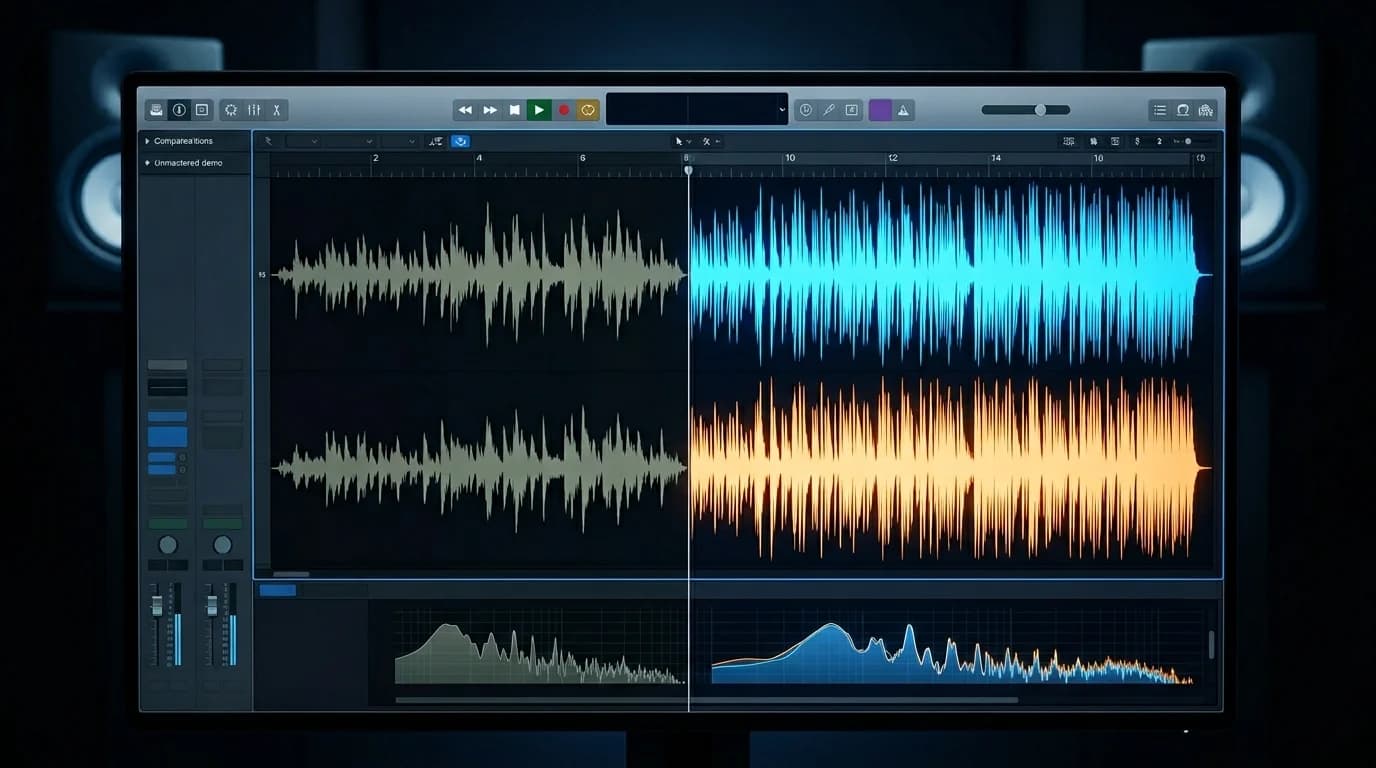
The Gap Between Demo and Release Quality#
"The song is done. But next to other tracks on Spotify, it sounds... different." Every independent creator hits this wall when preparing to distribute.
Three factors separate demos from release-quality audio:
Insufficient loudness — Demos often peak at -6 dB or lower, resulting in noticeably quieter playback compared to commercially mastered tracks.
Unbalanced frequency spectrum — Production environment bias (headphones or room acoustics) causes bass excess or treble deficiency.
Uncontrolled dynamics — Too much volume difference between verse and chorus, or individual elements poking out unnaturally.
Mastering solves all three.
Distributor Audio Requirements#
DistroKid#
| Spec | Requirement |
|---|---|
| Format | WAV recommended (MP3 accepted) |
| Sample rate | 44.1 kHz+ |
| Bit depth | 16-bit+ (24-bit recommended) |
| Channels | Stereo |
| Loudness | No limit (platforms normalize) |
TuneCore#
| Spec | Requirement |
|---|---|
| Format | WAV (16-bit/44.1 kHz+) |
| Sample rate | 44.1 kHz / 48 kHz |
| Bit depth | 16-bit / 24-bit |
| Channels | Stereo |
Streaming Platform Targets#
| Platform | Recommended Loudness | True Peak | Normalization |
|---|---|---|---|
| Spotify | -14 LUFS | -1.0 dBTP | Yes (down only) |
| Apple Music | -16 LUFS | -1.0 dBTP | Yes (up and down) |
| Amazon Music | -14 LUFS | -2.0 dBTP | Yes |
| YouTube Music | -14 LUFS | -1.0 dBTP | Yes |
Five Common Demo Problems#
1. Not Loud Enough#
Commercial tracks average -14 LUFS. Demos often sit at -20 LUFS or below. When a listener switches from a commercial track to your demo, the volume drop causes immediate skip.
2. Muddy Low End#
Common when producing on headphones. Excessive bass causes kick and bass to blend into mud on speakers.
3. Harsh Highs#
Budget monitoring environments encourage over-boosting highs. Playback on earbuds and phones sounds painful.
4. Narrow Stereo#
Near-mono tracks sound flat and lifeless next to wide, immersive commercial releases.
5. Digital Clipping#
If the master bus exceeded 0 dB during production, the waveform is permanently damaged. This requires going back to the mix — clipped audio cannot be repaired.
Mastering Workflow for Release Quality#
Step 1: Pre-Mastering Check#
- File format: WAV or AIFF
- Sample rate: 44.1 kHz+
- Headroom: -3 to -6 dB peak level
- No clipping
If headroom is insufficient, reduce the overall level in your DAW before mastering.
Step 2: EQ for Frequency Balance#
Compare against a reference track in your genre:
- Below 30 Hz: High-pass filter (remove inaudible rumble)
- 100–250 Hz: Check for bass bloat, cut 1–3 dB if needed
- 2–5 kHz: The "presence" band. Boost 1–2 dB if the track lacks clarity
- Above 10 kHz: Shelving boost of 1–2 dB for air if needed
Step 3: Compression for Dynamics#
Use a bus compressor to gently glue the mix:
- Ratio: 2:1 to 4:1
- Attack: 10–30 ms
- Release: Auto or 100–300 ms
- Gain reduction: 2–4 dB
The goal is perceived loudness, not waveform crushing. Use your ears, not your eyes.
Step 4: Limiter for Final Loudness#
Insert a limiter as the final processor:
- Ceiling: -1.0 dBTP (True Peak limiter)
- Target: -14 LUFS (Spotify/YouTube standard)
Increase limiter gain until you reach -14 LUFS. If gain reduction exceeds 6 dB, revisit your EQ and compression settings.
Step 5: Final Check and Export#
- Test on headphones, speakers, and phone
- Check mono compatibility (switch to mono and verify nothing disappears)
- Confirm -14 LUFS on loudness meter
- Export as WAV 24-bit/44.1 kHz
DeckReady's Streaming Preset — The Shortcut#
If the manual process feels daunting, DeckReady's Streaming preset is the fastest path to release-ready audio.
The Streaming preset is optimized for major streaming platforms. Upload your demo, select the preset, and the tool handles EQ, compression, and loudness targeting to -14 LUFS automatically.
No mastering expertise required. The output is ready for DistroKid, TuneCore, or any distributor.
Pre-Upload Checklist#
Before uploading to your distributor:
- Format: WAV 16-bit+ / 44.1 kHz+
Loudness: ~-14 LUFS 3. True Peak: -1.0 dBTP or below 4. Clipping: None 5. Silence: No unintended gaps at start 6. Fade-out: Intentional length and shape 7. Metadata: Title and artist name correct
Summary#
Mastering a demo for release follows a clear EQ, compression, limiter pipeline. Meeting DistroKid/TuneCore specs and targeting -14 LUFS for Spotify ensures your music stands alongside professional releases without sounding out of place. For those still building mastering skills, DeckReady's Streaming preset delivers release-quality output with minimal effort.
Get DJ mastering tips
Weekly tips for music production.
Related Articles
Apple Music vs Spotify Sound Quality — Complete Comparison 2026
Apple Music vs Spotify audio quality compared in detail. Codecs (AAC vs Ogg Vorbis), lossless streaming, loudness normalization differences, and how to master your tracks for both platforms.
OBS Audio Filters Complete Guide: Transform Your Stream Sound
Master every OBS Studio audio filter -- gain, noise gate, compressor, limiter, and noise suppression. Get recommended settings for gaming, talk shows, and singing streams, plus DeckReady BGM integration tips.
How to Improve Audio Quality on Podcast and Voice Platforms
Practical guide to optimizing voice audio for podcast platforms. Covers loudness targets, compression settings, export formats, and how to ensure consistent quality across episodes for better listener retention.
Streaming Platform Loudness Standards: Complete 2026 Guide
Compare LUFS targets for Spotify, Apple Music, YouTube Music, Amazon Music, and Tidal. Learn the optimal mastering settings to avoid loudness penalties and ensure your music sounds great everywhere.