Apple Music vs Spotify Sound Quality — Complete Comparison 2026
Apple Music vs Spotify audio quality compared in detail. Codecs (AAC vs Ogg Vorbis), lossless streaming, loudness normalization differences, and how to master your tracks for both platforms.
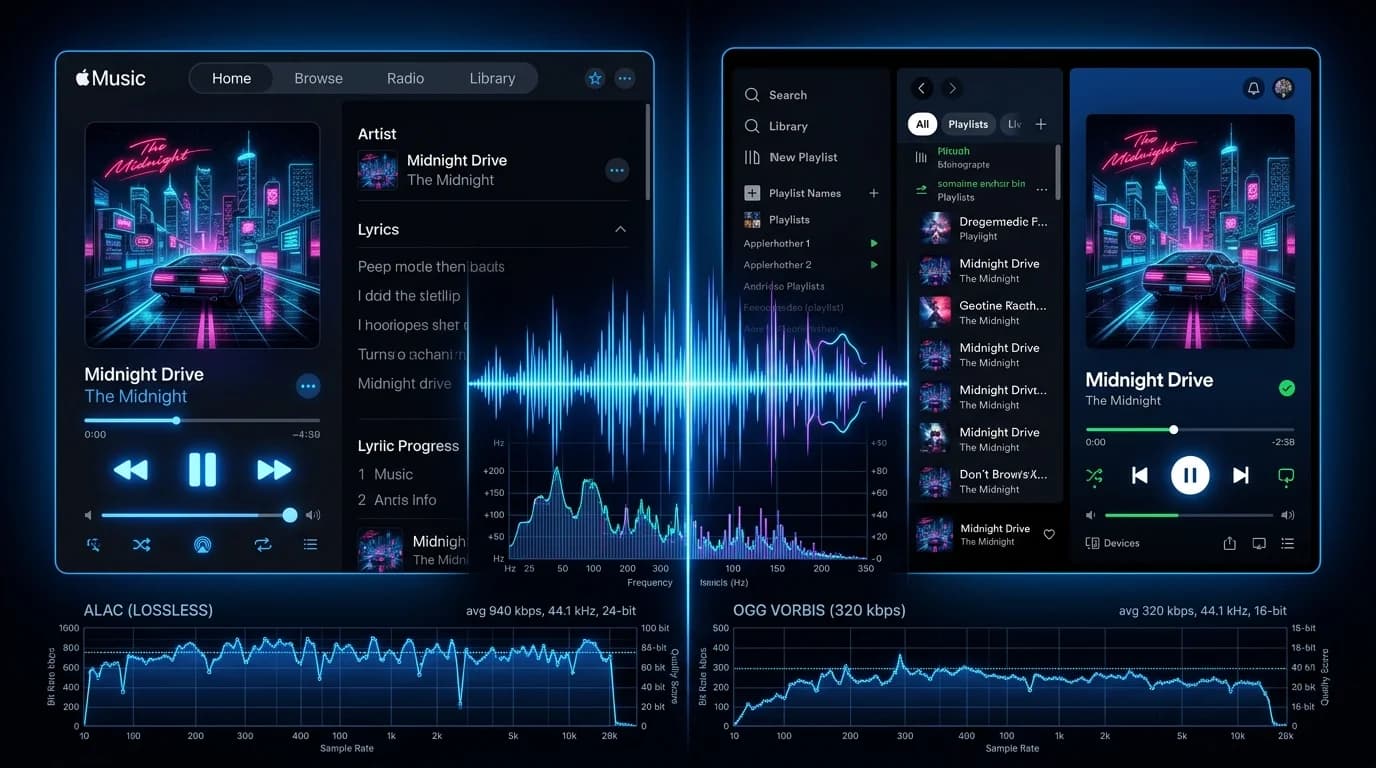
Apple Music vs Spotify — Does Sound Quality Really Differ?#
Apple Music and Spotify are the world's two largest music streaming platforms. "Which one sounds better?" is an endlessly debated question. This article breaks it down technically — codecs, bitrates, lossless options, loudness normalization — and explains how to optimize your masters for both.
Codec Comparison#
Apple Music: AAC#
Apple Music uses AAC (Advanced Audio Coding), the successor to MP3. At the same bitrate, AAC delivers higher quality than MP3.
- Bitrate: 256 kbps (fixed)
- Sample rate: 44.1 kHz
- Bit depth: 16-bit
- Codec: AAC-LC with Apple's proprietary encoder
Spotify: Ogg Vorbis#
Spotify uses Ogg Vorbis, an open-source lossy codec.
- Free tier: 128 kbps
- Premium tier: up to 320 kbps
- Sample rate: 44.1 kHz
- Bit depth: 16-bit
Side-by-Side#
| Spec | Apple Music | Spotify (Premium) |
|---|---|---|
| Codec | AAC | Ogg Vorbis |
| Max bitrate | 256 kbps | 320 kbps |
| Lossless option | Yes (ALAC) | No (as of 2026) |
| Spatial audio | Yes (Dolby Atmos) | Partial |
Lossless Streaming#
Apple Music Lossless#
Apple Music has offered lossless since 2021, at no extra cost:
- Lossless: ALAC 16-bit/44.1 kHz (CD quality)
- Hi-Res Lossless: ALAC 24-bit/192 kHz
Caveats:
- Bluetooth (including AirPods) cannot play lossless — it's converted to AAC
- Hi-res requires an external USB DAC
- Data usage increases dramatically (50–100 MB per track)
Spotify HiFi Status#
Spotify announced "Spotify HiFi" lossless streaming in 2021 but has not delivered it as of 2026. Premium tops out at 320 kbps Ogg Vorbis.
For lossless, Apple Music wins decisively.
Loudness Normalization#
Both platforms normalize loudness, but differently.
Apple Music: Sound Check#
- Target: -16 LUFS
- Behavior: Adjusts integrated loudness to -16 LUFS
- Default: On (user can disable)
Spotify: Volume Normalization#
- Target: -14 LUFS (Normal setting)
- Behavior: Adjusts integrated loudness to -14 LUFS
- Options: Loud / Normal / Quiet
- Default: Normal (-14 LUFS)
Impact on Producers#
- Apple Music: Master at -16 LUFS for minimal normalization intervention
- Spotify: Master at -14 LUFS for optimal playback
- Both platforms: -14 LUFS is the safest universal target
Playback Environment Matters#
Wireless Earbuds (AirPods / Galaxy Buds)#
Both services are Bluetooth-compressed, so differences are minimal. Apple Music + AirPods has a slight edge due to Apple's H2/H3 chip optimization.
Wired Headphones / USB DAC#
This is where Apple Music's lossless streaming shines. CD-quality or better playback creates the widest quality gap versus Spotify's 320 kbps ceiling.
Smart Speakers#
Speaker hardware is the bottleneck. Service differences are barely perceptible.
Car Audio#
Via CarPlay or Android Auto, both deliver sufficient quality. Road noise makes codec differences nearly imperceptible.
Mastering for Streaming Platforms#
Universal Mastering Specs#
| Parameter | Recommended |
|---|---|
| Integrated loudness | -14 LUFS |
| True Peak | -1.0 dBTP or below |
| Sample rate | 44.1 kHz+ (48 kHz preferred) |
| Bit depth | 24-bit |
| Format | WAV / AIFF |
Apple Music Considerations#
- Submit at 24-bit/48 kHz for hi-res lossless distribution
- Dolby Atmos mixes require a separate Atmos session
- -16 LUFS mastering minimizes Sound Check intervention
Spotify Considerations#
- Ultra-high frequencies (16 kHz+) suffer most in Ogg Vorbis encoding
- -14 LUFS aligns with the default normalization target
- Most listeners use smartphones + wireless earbuds — design for that
Optimizing with DeckReady#
DeckReady makes streaming-ready loudness adjustment simple:
- Load your finished track into DeckReady
Set target to -14 LUFS 3. Process 4. Upload to DistroKid / TuneCore / your distributor
Since DeckReady processes locally in the browser, unreleased tracks never leave your device.
The Verdict#
Objective Assessment#
- Lossless: Apple Music dominates — Spotify has no lossless option
- Lossy quality: Essentially tied (256 kbps AAC ≈ 320 kbps Ogg Vorbis)
- Spatial audio: Apple Music leads with native Dolby Atmos
- Apple ecosystem: Apple Music is optimized for Apple hardware
- Android / PC: Both are equivalent
Can You Actually Hear the Difference?#
Honestly, casual listeners will rarely distinguish AAC from Ogg Vorbis. Blind tests show very few people can reliably tell 320 kbps Ogg from 256 kbps AAC.
The quality gap becomes real only when:
- Using Apple Music lossless
Connected to an external USB DAC 3. With high-quality wired headphones or speakers 4. In a quiet environment with focused listening
Summary#
The biggest quality differentiator between Apple Music and Spotify is lossless availability. In lossy codec quality, they're virtually equal.
For producers and DJs, mastering at -14 LUFS / -1.0 dBTP ensures optimal playback on both platforms. Use DeckReady to hit the right loudness target effortlessly.
If audio quality is your priority, choose Apple Music + a wired setup. If playlists and discovery matter more, Spotify delivers an equally enjoyable experience. Match the service to your listening style.
Get DJ mastering tips
Weekly tips for music production.
Related Articles
How to A/B Compare Audio Like a Pro — Train Your Ears
Learn the correct way to A/B compare audio before and after processing. Eliminate loudness bias, use blind testing, and focus on the right frequency bands to make better mixing and mastering decisions.
How to Turn a Demo Into a Release-Ready Track
Step-by-step guide to mastering demo tracks for streaming platforms. Learn DistroKid and TuneCore requirements, Spotify's -14 LUFS target, common demo problems, and how DeckReady's Streaming preset gets you release-ready.
DJ Event Audio Checklist: Pre-Gig Prep That Prevents Disasters
The complete DJ audio checklist for event preparation. Learn how to unify track loudness, verify file formats, back up your USB drives, and catch common technical issues before you hit the booth.
How to Improve DJ Mix Recording Quality for Streaming and Archives
Learn the best recording settings, post-recording mastering techniques, and platform-specific optimization for SoundCloud, Mixcloud, and YouTube DJ mixes.