Mastering for Music Producers: A Practical Beginner's Guide
Learn mastering fundamentals for producers and beatmakers. Understand LUFS targets for every platform, when to self-master vs. hire a pro, and how DeckReady's custom LUFS feature streamlines your workflow.
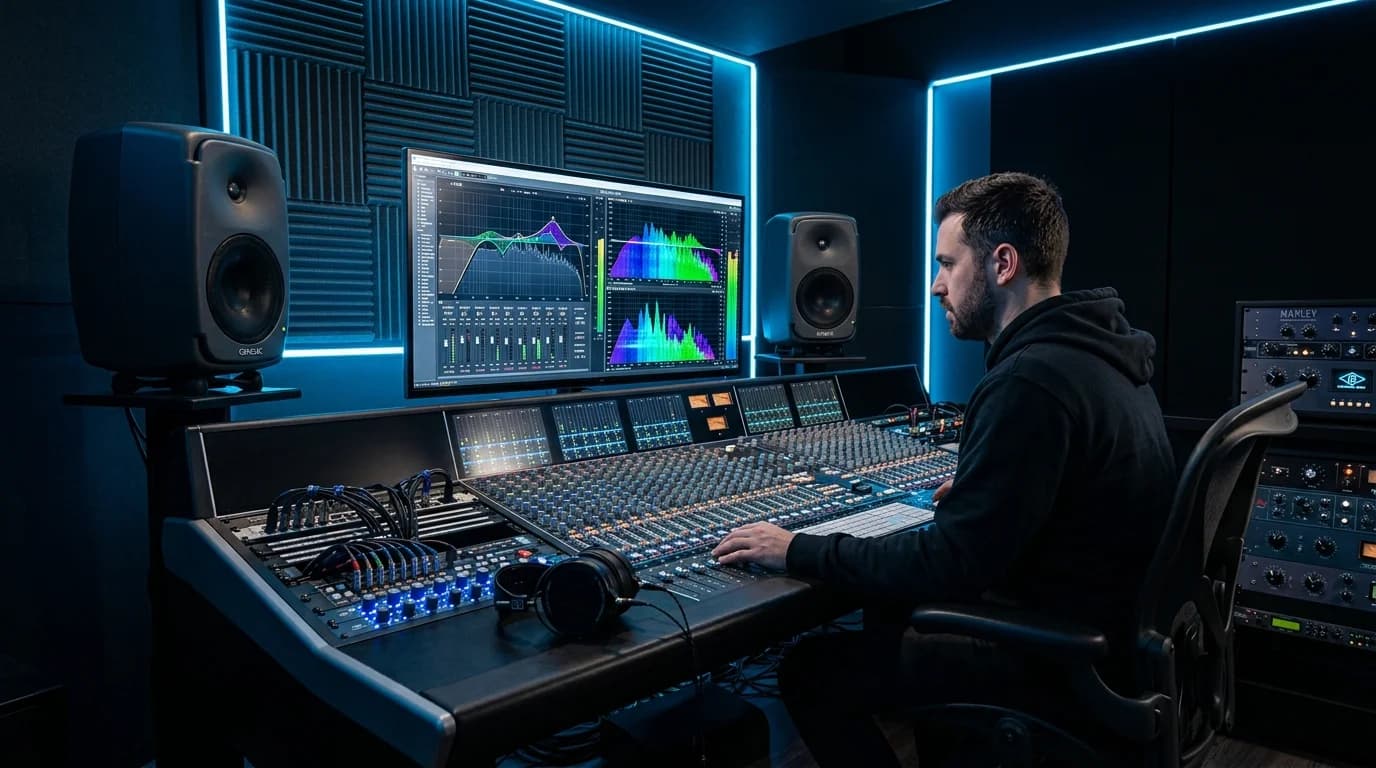
What Is Mastering?#
Music production follows three main stages:
- Composition & arrangement -- creating melodies, chords, and rhythms
- Mixing -- balancing volume, panning, and EQ across all tracks 3. Mastering -- final loudness, tonal, and dynamic adjustments to prepare for distribution
Mastering is the last step, applied to a finished stereo mix (2-mix). It bridges the gap between your studio and the listener's playback system.
Why Mastering Matters#
Even a well-mixed track can have issues when released without mastering:
| Problem | Cause | Mastering Solution |
|---|---|---|
| Too quiet | Mix level below platform standards | Bring loudness to target LUFS |
| Too dark or bright | Frequency imbalance | Master EQ correction |
| Unstable dynamics | Excessive volume variation | Multiband compression |
| Sounds amateur next to commercial releases | Quality gap vs. industry standard | Professional-grade finishing |
Understanding Loudness Standards#
LUFS (Loudness Units Full Scale) is the most important mastering metric. The right target depends on where your music will be played.
Platform-Specific Targets#
| Destination | Target LUFS | Notes |
|---|---|---|
| Spotify | -14 LUFS | Excess loudness gets automatically reduced |
| Apple Music | -16 LUFS | Sound Check normalizes playback |
| YouTube | -14 LUFS | Loudness normalization applied |
| Club DJ playback | -7 to -8 LUFS | Optimized for powerful sound systems |
| Film/TV/ads | -23 to -24 LUFS | EBU R128 broadcast standard |
| Podcasts | -16 to -18 LUFS | Speech media standard |
The Streaming Loudness Trap#
If you master a track to -7 LUFS and upload it to Spotify, the platform reduces the volume to -14 LUFS. The aggressive limiting you applied to achieve -7 LUFS destroyed the dynamics, and those dynamics stay destroyed even after the volume reduction. The result: a loud-but-lifeless track playing at -14 LUFS.
For streaming distribution, -14 LUFS with preserved dynamics is optimal.
Club-Oriented Targets#
For tracks destined for DJ playback, -7 to -8 LUFS is standard. Club sound systems have powerful amplifiers and speakers that handle high loudness without quality loss.
The same track may need completely different mastering for different destinations -- this is what makes mastering both challenging and fascinating.
Self-Mastering: Pros and Cons#
Professional vs. DIY#
| Factor | Professional Mastering | Self-Mastering |
|---|---|---|
| Cost | $50-250 per track | Free to tool subscription cost |
| Quality | High (depends on engineer) | Medium to high (depends on skill) |
| Turnaround | Days to weeks | Immediate |
| Flexibility | Revisions cost extra time/money | Unlimited revisions |
| Objectivity | Fresh ears evaluate your work | Only your own perspective |
When Self-Mastering Makes Sense#
- Demos and pre-production -- rough loudness adjustment is sufficient
- High-volume output -- library music, BGM, where per-track budget is limited
- DJ-oriented tracks -- primarily need loudness normalization
- Independent releases -- meeting platform standards is the main goal
- Iterative workflow -- frequent revisions make outsourcing impractical
Self-Mastering Challenges#
- Lack of objectivity -- hearing your own work objectively is difficult
- Monitoring environment -- requires trustworthy speakers and room acoustics
- Knowledge barrier -- EQ, compression, and limiting theory takes time to learn
Preset-based mastering tools significantly lower these barriers.
Presets vs. Manual Mastering#
The Value of Presets#
Mastering presets are curated combinations of processing settings optimized for specific genres or use cases. Even professional engineers use presets as starting points. The key distinction is whether you treat a preset as a finished product or a launching pad.
| Approach | Pros | Cons |
|---|---|---|
| Preset only | Fast, no knowledge required | May not suit every track |
| Preset + tweaks | Good balance of speed and quality | Requires some knowledge |
| Fully manual | Perfect customization | Slow, requires deep expertise |
When to Use Which#
| Situation | Recommended Approach |
|---|---|
| Mix is solid | Preset only is fine |
| Mix has minor issues | Preset + EQ tweaks |
| Commercial release | Preset starting point + manual or pro |
| DJ playback | Club preset is sufficient |
Self-Mastering With DeckReady#
DeckReady is known as a DJ audio processing tool, but its features are equally valuable for producers doing self-mastering.
Custom LUFS Feature#
DeckReady's standout capability is freely adjustable target LUFS:
| Feature | Details |
|---|---|
| Custom LUFS | Set any target from -5 to -20 LUFS |
| Club preset | -7 LUFS for club DJ playback |
| Lounge preset | -14 LUFS for streaming and BGM |
| Broadcast preset | -23 LUFS for broadcast standards |
| True peak limiting | -1 dBTP ceiling prevents clipping |
Producer Workflow#
Step 1: Finish your mix as completely as possible. Mastering enhances good mixes -- it doesn't fix mixing problems.
Step 2: Choose your target LUFS based on the destination: streaming (-14), club (-7), broadcast (-23), or any custom value.
Step 3: Use A/B preview to compare before and after. Volume-matched comparison lets you evaluate tonal changes without loudness bias.
Step 4: Export multiple versions. Creating Club (-7 LUFS), Streaming (-14 LUFS), and Broadcast (-23 LUFS) masters from the same mix is effortless.
Common Mastering Mistakes#
1. Over-Limiting#
The most frequent error. Pushing below -5 LUFS destroys all dynamics. On streaming platforms, the track gets turned down anyway, so extreme loudness is pointless.
2. Fixing Mix Problems in Mastering#
Too much bass, buried vocals -- these are mixing issues. Master EQ affects everything simultaneously, so fixing one problem creates others.
3. Skipping Reference Tracks#
Without comparing to commercial releases in your genre, you lose perspective on frequency balance and loudness.
4. Stacking Limiters#
Adding a second limiter because "it needs more loudness" backfires. One limiter with appropriate gain reduction (3-6 dB) is ideal.
5. Forgetting Mono Check#
Always check your master in mono. Phase cancellation and stereo-width issues that sound fine in stereo can cause dramatic problems in mono -- and club sound systems sometimes run mono.
Summary#
Mastering is the final quality gate between your studio and your audience.
- Match your LUFS to the destination -- streaming at -14, club at -7 to -8, broadcast at -23
- Self-mastering is a valid choice -- especially for demos, DJ tracks, and high-volume output 3. Presets are legitimate starting points -- there's no shame in using them 4. DeckReady's custom LUFS makes multi-format mastering fast and accessible 5. A/B comparison eliminates bias -- volume-matched listening reveals the truth
Before chasing the "perfect" master, learn the standards and nail the fundamentals. That alone will dramatically elevate your music.
Get DJ mastering tips
Weekly tips for music production.
Related Articles
5 Best Free Mastering Tools in 2026: Ranked for Beginners
Compare the top 5 free mastering tools available in 2026. DeckReady, LANDR, BandLab, Audacity, and Soundtrap reviewed with features, pros, cons, and a beginner-friendly ranking.
How to Make GarageBand Tracks Sound Professional
Turn your GarageBand productions into release-ready tracks. Learn GarageBand's real limitations, optimal export settings, mixing tips, and how to master with DeckReady for Spotify and Apple Music quality.
Is Mastering Really Necessary? When You Need It and When You Don't
A practical guide to when mastering is essential and when you can skip it. Covers music distribution, DJ sets, BGM production, and demos — with concrete before/after examples and quick-start recommendations.
How to Master Lo-Fi Beats Without Killing the Vibe
Master Lo-Fi beats while preserving their signature warmth and texture. Learn the right EQ approach, compression settings, ideal LUFS targets, and why restraint is the most important mastering skill for Lo-Fi.