How to Make Your Music Sound Good on Phone Speakers
Learn why bass disappears on smartphone speakers and how to fix it. Covers frequency reproduction limits, the missing fundamental effect, harmonic enhancement techniques, and mastering strategies for mobile listening.
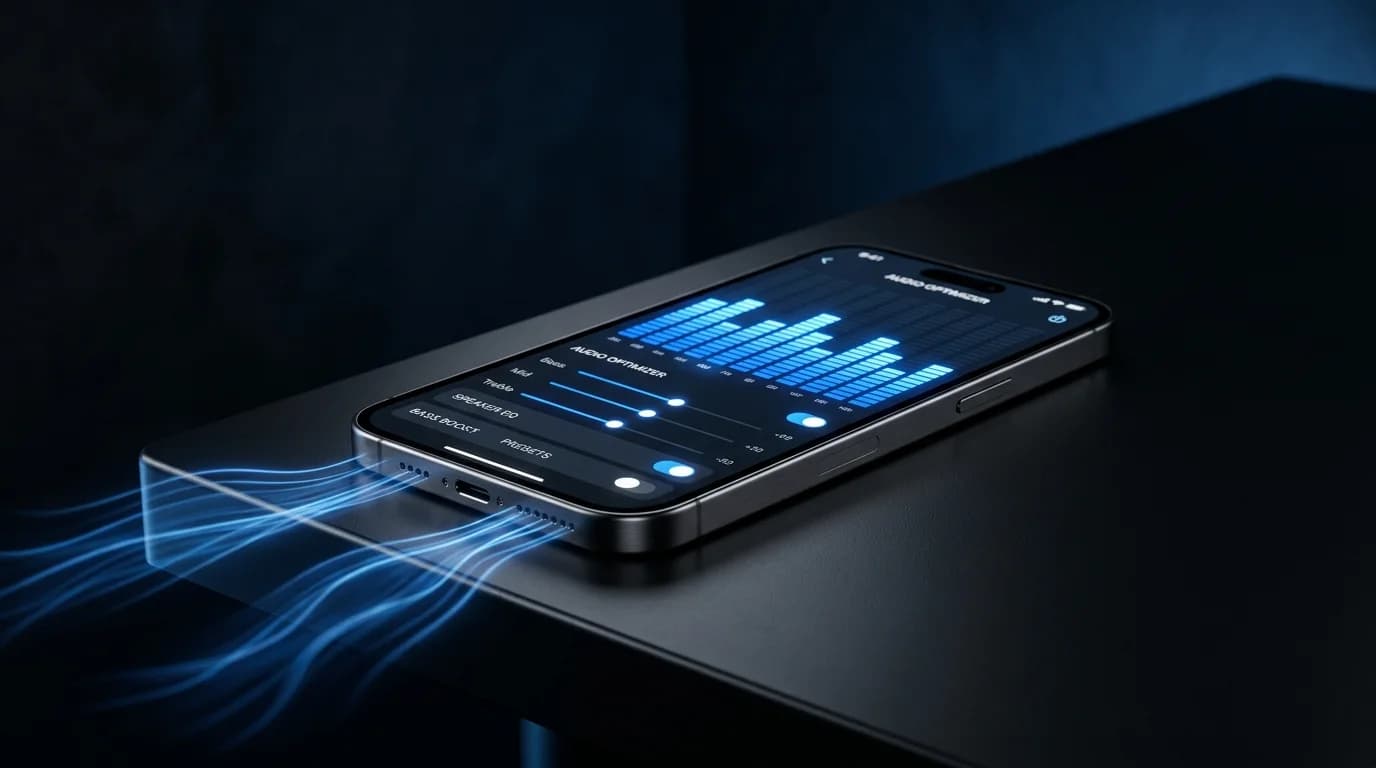
Why Bass Vanishes on Phone Speakers#
You release a track on Spotify, play it back on your phone, and think: "Where did the bass go?" You are not alone.
The bassline that sounded perfect on headphones or studio monitors seems to vanish entirely through a phone speaker. This is not a problem with your mix. It is a physical limitation of the speaker hardware inside every smartphone.
As of 2026, over 70% of music listeners use smartphones as their primary listening device. If your music does not translate to phone speakers, the majority of your audience is hearing an incomplete version of your work.
The Frequency Limits of Phone Speakers#
Physical Constraints#
To reproduce low frequencies, a speaker needs to move a significant amount of air, which requires a large driver (diaphragm). Smartphone speakers use drivers roughly 10mm in diameter. At that size, it is physically impossible to produce bass frequencies at meaningful volume levels.
Typical smartphone speaker frequency ranges:
- iPhone: approximately 200Hz - 20kHz
- Android (standard models): approximately 250Hz - 18kHz
- High-end Android: approximately 180Hz - 20kHz
This means frequencies below 200Hz are essentially inaudible on most phones.
What Gets Lost#
| Instrument/Part | Fundamental Frequency | Phone Reproduction |
|---|---|---|
| Sub bass | 20-60Hz | Almost entirely lost |
| Kick drum body | 60-80Hz | Barely audible |
| Bass fundamental | 80-250Hz | Partially reproduced |
| Bass harmonics | 200-800Hz | Audible |
| Low guitar strings | 80-160Hz | Partially lost |
When a bass note's fundamental frequency falls below the phone's reproduction limit, that bassline effectively disappears.
Translating Low End Into the Midrange#
The solution is not to make bass louder. Instead, make the perception of bass present in a frequency range that phones can actually play.
The Missing Fundamental Effect#
Human hearing has a fascinating property called the "missing fundamental." When the fundamental frequency is absent but its harmonics are present, the brain fills in the gap and perceives the fundamental as if it were there.
For example, if a 100Hz fundamental is missing but 200Hz (2nd harmonic), 300Hz (3rd harmonic), and 400Hz (4th harmonic) are present, listeners still perceive a 100Hz bass note.
Techniques for Enhancing Harmonics#
1. Saturation
Adding subtle saturation (distortion) generates harmonics of the original signal. Applying saturation to a 100Hz bass tone creates energy at 200Hz, 300Hz, and 400Hz, giving phone speakers something to work with.
2. Exciters
An exciter is a processor that intentionally generates harmonics in a specific frequency range. A low-frequency exciter can strengthen the harmonic content of your bass.
3. EQ Boost in the Harmonic Range
Boosting the 200-400Hz range by 1-2dB with EQ reinforces the frequency region where bass harmonics concentrate, making the bass feel present even on phone speakers.
Mastering Strategies for Mobile Playback#
Strategy 1: Clean Up the Low End#
Apply a high-pass filter to remove sub-bass content below 30Hz. This frequency range is inaudible on phones and wastes headroom by triggering your limiter unnecessarily.
Strategy 2: Mono the Low End#
Sum everything below 100Hz to mono. When low frequencies are spread across the stereo field, phase cancellation on a phone's mono speaker can reduce bass even further.
Strategy 3: Prioritize Midrange Clarity#
Ensure the 1-4kHz range, where vocals and melodies live, is clear and present. On phone speakers, this range carries the entire mix, so clarity here is essential.
Strategy 4: Add Phone Playback to Your Reference Checks#
Always include phone speaker playback in your mastering reference checks. Do not rely solely on headphones. Checking on the actual listening device most of your audience uses is critical.
Mastering for Streaming Distribution#
When mastering for streaming platforms where phone playback is common, keep the following principles in mind.
Multi-Device Compatibility#
Core principle: Aim for audio that sounds "reasonably good" on every playback system. Rather than optimizing for one specific environment, create a master that does not break down anywhere.
Playback Environment Checklist#
- Studio monitors: Check overall frequency balance
- Headphones/earbuds: Verify detail and stereo image 3. Phone speaker: Confirm bass presence and vocal clarity 4. Bluetooth speaker: Check casual listening experience 5. Car audio: Verify in-vehicle playback if possible
Never skip the phone speaker check. If issues surface at this stage, apply the techniques described above.
Do Not Rely on Software Enhancement#
Modern smartphones include software processing features (Dolby Atmos, spatial audio, etc.) designed to compensate for speaker limitations. However, not every listener has these features enabled.
Master your audio so it sounds good with these features off. When they are on, the experience should simply get better.
Mono Compatibility#
Even phones with stereo speakers place them so close together that playback is effectively mono.
How to Check Mono Compatibility#
Switch your DAW or monitor controller to mono and listen for:
- Significant volume changes (indicating phase cancellation)
- Disappearing basslines
- Hard-panned elements becoming extremely quiet
- Overall balance falling apart
If the sound changes dramatically in mono, your stereo mix has phase issues that need addressing.
DeckReady's Streaming Preset#
DeckReady's Streaming preset is designed with phone speaker playback in mind. It automatically handles low-end cleanup, midrange clarity enhancement, and harmonic processing so that your masters translate well to mobile devices without additional manual work.
If you are new to these concepts, start with the preset to experience what "phone-friendly audio" sounds like before diving into the technical details.
Conclusion#
The disappearing bass problem on phone speakers is a physical reality, not a mixing mistake. The solution is not to push more energy into frequencies that phones cannot reproduce, but to reinforce harmonic content that creates the perception of bass in the midrange. Saturation, exciters, EQ harmonic boosts, and mono compatibility checks are your primary tools. With the majority of listeners on smartphones, mobile optimization is no longer optional — it is essential.
Get DJ mastering tips
Weekly tips for music production.
Related Articles
How to A/B Compare Audio Like a Pro — Train Your Ears
Learn the correct way to A/B compare audio before and after processing. Eliminate loudness bias, use blind testing, and focus on the right frequency bands to make better mixing and mastering decisions.
ASMR Recording & Mastering Guide — Capture Whispers Beautifully
Complete guide to recording and mastering ASMR audio. Learn noise floor management, dynamic range optimization, platform-specific LUFS settings, and best practices for whisper-quiet content.
Mastering Tips for Bandcamp Releases — Self-Release Like a Pro
Essential mastering tips for Bandcamp self-releases. Learn optimal upload formats, genre-specific LUFS targets, album consistency techniques, and how DeckReady simplifies Bandcamp mastering.
How to Master Audio for Car Listening — Drive BGM Optimization
Master your music for car audio playback. Learn about in-car acoustics, road noise compensation, subwoofer considerations, and how DeckReady's Club preset optimizes tracks for driving.