How to Fix SoundCloud Audio Quality for Club-Ready DJ Sets
SoundCloud's 128kbps downloads sound weak on club systems. Learn how to optimize low-bitrate audio for professional DJ use with DeckReady's batch processing workflow.
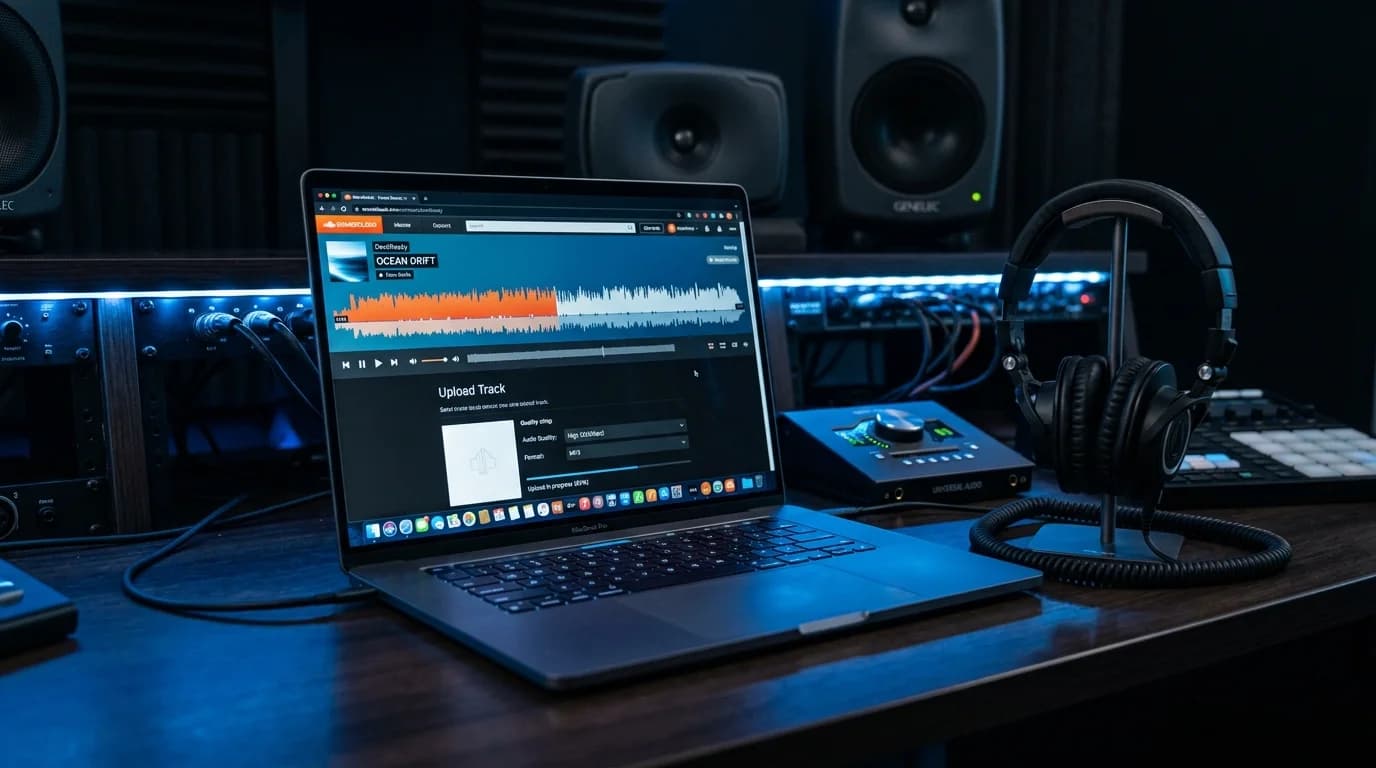
Are You Playing SoundCloud Rips at Gigs?#
SoundCloud is an indispensable resource for DJs. Up-and-coming producers release original tracks, pre-release promos surface there first, and exclusive remixes and edits live nowhere else. The platform is a goldmine of unique music.
But there is one major problem: audio quality.
Most free downloads from SoundCloud are delivered as 128kbps MP3 files. While acceptable for casual listening through earbuds, this bitrate falls apart on club sound systems at high volume.
What Is Wrong with 128kbps#
Bitrate measures the amount of data used to represent one second of audio. At 128kbps, significant compromises are made to keep the file small.
What Gets Lost#
- High frequencies above 16kHz are cut: Cymbal shimmer, hi-hat sparkle, and vocal air disappear
- Stereo image degrades: The left-right spread narrows, making the sound feel flat
- Transients soften: Kick and snare attacks lose their punch
- Pre-echo artifacts appear: Unnatural ghosting before sharp transient sounds
These issues may go unnoticed through earbuds, but on a large club system, every flaw gets amplified and becomes clearly audible.
What Happens in a Big Room#
A venue running Funktion-One speakers reproduces frequencies faithfully up to 18kHz and beyond. A 128kbps MP3 cuts off around 16kHz. When you mix it alongside WAV or FLAC tracks, the compressed file sounds noticeably muffled. Clubbers may not be audio engineers, but they definitely feel the difference when a track suddenly loses its energy and presence.
Three Approaches to Better SoundCloud Audio#
1. Use SoundCloud Go+ for Higher Quality#
SoundCloud Go+ subscribers can stream at 256kbps AAC quality on some tracks. However, downloadable tracks are limited, and offline files carry DRM that prevents direct use in DJ software.
2. Contact Artists Directly#
The most reliable method is messaging the producer and requesting a high-quality file (WAV/FLAC/320kbps MP3). Many producers welcome DJs playing their music. This approach does not scale to every track, though.
3. Optimize with DeckReady#
Take the 128kbps files you already have and bring them as close to club-ready as possible. Lost data cannot be restored, but maximizing what remains through intelligent EQ, compression, and limiting significantly improves the listening experience.
DeckReady Optimization Workflow#
Step 1: Load Your Files#
Drag and drop your SoundCloud downloads into DeckReady, or use the file picker. Batch processing is supported, so you can handle an entire playlist at once.
Step 2: Choose a Preset#
Select the preset that matches your use case:
- Club Ready: The most versatile option. Brings loudness to an appropriate level and balances low and high frequencies
- Bass Heavy: For bass music genres (dubstep, drum & bass, house). Strengthens the low end while maintaining midrange clarity
- Warm Analog: Adds natural warmth to lo-fi or raw-sounding sources
Step 3: Review the Results#
Compare before and after. Pay attention to:
- Loudness level: Does it sit comfortably next to your high-quality tracks?
- Low-end tightness: Are kick drums and basslines clear and defined?
- High-end naturalness: Has the processing enhanced without sounding harsh?
Step 4: Export as WAV#
Even when processing a 128kbps MP3 source, export as WAV (16-bit/44.1kHz). This prevents any further quality loss from re-encoding.
Before and After: Real Results#
Case 1: Tech House Track#
- Before: Loudness around -12 LUFS, weak kick presence, complete high-frequency cutoff above 16kHz
- After: Raised to -7 LUFS, added punch to the kick, maximized presence using remaining high-frequency content
Case 2: Drum & Bass Track#
- Before: Muddy, indistinct bassline. Breakbeat attacks feel dull
- After: Low-end EQ processing clarified the bass. Transient enhancement sharpened the drums
Case 3: Ambient/Chill Track#
- Before: Thin stereo image, lacking spatial depth
- After: Warm Analog preset added warmth; spatial processing created depth and dimension
Preset Selection Guide#
| Genre | Recommended Preset | Reason |
|---|---|---|
| Techno/Tech House | Club Ready | Balanced and versatile |
| Dubstep/DnB | Bass Heavy | Sub bass reproduction is critical |
| Deep House | Warm Analog | Preserves warmth and character |
| Trance/EDM | Club Ready | Maintains buildup energy |
| Hip Hop | Bass Heavy | Preserves 808 kick presence |
| Ambient | Lounge | Spatial processing, natural loudness |
Batch Processing for Efficiency#
Before an event, processing 10 or 20 SoundCloud tracks individually is impractical. DeckReady's batch processing lets you drag an entire folder and apply the same preset to every file at once.
Tips for batch processing:
- Group tracks by genre: Minimizes preset switching and improves tonal consistency
- Use a separate output folder: Prevent processed and unprocessed files from mixing together
- Add a suffix to filenames: Configure DeckReady to append
_DRto processed files for easy identification
Works Beyond SoundCloud#
DeckReady is equally effective on:
- YouTube rips: Typically 128-192kbps AAC with the same issues as SoundCloud MP3s
- Old CD rips: Mastering standards from earlier decades may not match modern levels
- Producer demos: Even files received directly from artists may lack proper mastering
- Radio recordings: Broadcast-grade compression creates a distinctive, often problematic sound
In all cases, running through DeckReady provides a meaningful quality improvement for live performance use.
An Important Caveat#
DeckReady is an audio optimization tool, not a miracle worker. Information lost at 128kbps compression cannot be recovered by any software. What DeckReady does is maximize the remaining audio data through intelligent EQ, compression, and limiting to bring tracks to a "usable for live performance" level.
The ideal workflow:
- Source the highest quality files available (Beatport, Bandcamp, direct from artists)
Use DeckReady to optimize SoundCloud-only tracks 3. Export processed files as WAV 4. Test on actual speakers before your set
Conclusion#
SoundCloud is a treasure trove for DJs, but ignoring the audio quality gap is risky. Playing 128kbps files raw at a venue is a gamble with your professional reputation.
DeckReady brings those files to a performance-ready level in just a few clicks. You cannot turn every track into Beatport WAV quality, but you can absolutely make them usable. The days of passing on SoundCloud exclusives because of audio quality are over.
Get DJ mastering tips
Weekly tips for music production.
Related Articles
Stop Playing Raw YouTube Rips at Gigs: Fix Audio Quality for Free
YouTube and SoundCloud downloads sound terrible on club systems. Learn how to fix loudness, bass, and high-frequency issues in seconds using browser-based mastering with DeckReady.
How to A/B Compare Audio Like a Pro — Train Your Ears
Learn the correct way to A/B compare audio before and after processing. Eliminate loudness bias, use blind testing, and focus on the right frequency bands to make better mixing and mastering decisions.
DJ Event Audio Checklist: Pre-Gig Prep That Prevents Disasters
The complete DJ audio checklist for event preparation. Learn how to unify track loudness, verify file formats, back up your USB drives, and catch common technical issues before you hit the booth.
How to Improve DJ Mix Recording Quality for Streaming and Archives
Learn the best recording settings, post-recording mastering techniques, and platform-specific optimization for SoundCloud, Mixcloud, and YouTube DJ mixes.