How to Fix Volume Differences Between Spotify Tracks
Understand why Spotify tracks play at different volumes despite loudness normalization. Learn about LUFS limitations across genres and how DeckReady provides a true solution for consistent playlist loudness.
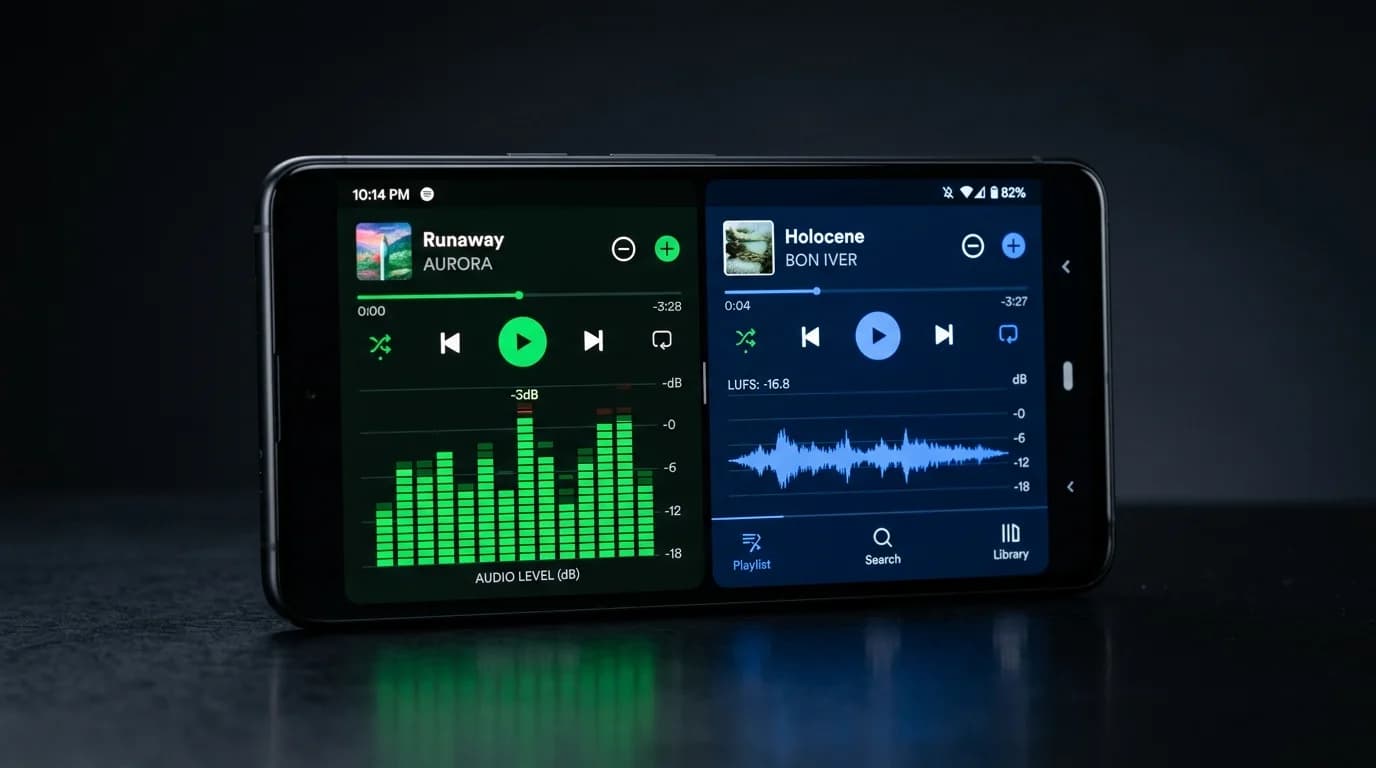
Why Do Spotify Tracks Play at Different Volumes?#
You are listening to a Spotify playlist when a quiet jazz track finishes and EDM blasts through your speakers at full force. Sound familiar?
Spotify actually has a built-in feature called "loudness normalization" designed to prevent exactly this. But it has real limitations, and it cannot fully equalize volume across all music.
This article explains why volume differences persist on Spotify and what you can do about it.
How Spotify's Loudness Normalization Works#
The Basics#
Spotify measures the loudness of every track and adjusts playback volume to a target of -14 LUFS (Loudness Units Full Scale). LUFS is a measurement unit that accounts for human hearing characteristics, measuring perceived loudness rather than simple peak levels.
Here is how it works:
- Tracks louder than -14 LUFS (e.g., -8 LUFS) are turned down
- Tracks quieter than -14 LUFS (e.g., -18 LUFS) are turned up
- Tracks at exactly -14 LUFS play unchanged
How to Configure It#
- Open Settings (gear icon)
Navigate to the "Playback" section 3. Toggle "Audio Normalization" on 4. Select volume level: "Loud," "Normal," or "Quiet"
"Normal" corresponds to -14 LUFS and is recommended for most situations.
The Limitations of Loudness Normalization#
Limitation 1: Genre-Based Perceived Loudness Differences#
The biggest weakness of loudness normalization is its inability to fully compensate for the sonic characteristics of different genres.
At the same -14 LUFS, different genres feel dramatically different:
| Genre | Characteristics | Perception |
|---|---|---|
| EDM | Heavy bass, deep compression | Physically impactful |
| Classical | Wide dynamic range | Quiet passages feel truly quiet |
| Pop | Full midrange, moderate compression | Balanced and comfortable |
| Jazz | Delicate upper mids, rich dynamics | Feels quieter than it measures |
| Hip Hop | Strong bass, vocals upfront | Assertive presence |
Bass-heavy EDM feels "louder" than delicate jazz at the same LUFS value because of how human hearing responds to frequency content. LUFS accounts for this partially, but not completely.
Limitation 2: Dynamic Range Differences#
Classical music with extreme quiet-to-loud contrasts may have its average brought to -14 LUFS, but the quiet passages remain difficult to hear. Meanwhile, heavily compressed EDM maintains constant energy and feels "always loud."
Limitation 3: Analysis Accuracy#
Spotify's server-side loudness analysis occasionally produces inaccurate results, especially with tracks featuring long silence at the beginning or end, extreme fade-ins/outs, live recordings with spoken interludes, or poorly mastered releases.
Limitation 4: Users Who Disable Normalization#
Some audiophiles intentionally turn normalization off, which means they hear each track at its original mastered level, maximizing volume differences between tracks.
When Playlists Make It Worse#
Cross-Genre Playlists#
A "Favorites" playlist mixing classical, EDM, jazz, and hip hop produces the most noticeable volume swings. The perceived loudness gaps between genres are impossible to ignore.
Multi-Era Playlists#
1970s rock and 2020s pop have fundamentally different mastering philosophies. Modern tracks influenced by the "loudness war" are significantly louder than older releases.
Store BGM Use#
When playlists are used as background music in commercial settings (note: Spotify's personal plan prohibits commercial use), per-track volume differences directly harm the customer experience. A sudden loud track is jarring; a quiet one disappears.
The DeckReady Solution#
How DeckReady Goes Beyond Normalization#
DeckReady addresses the volume differences that Spotify's normalization cannot fix by analyzing audio at a deeper level:
- Frequency-band loudness analysis: Considers low, mid, and high frequency balance separately
- Dynamic range optimization: Naturally raises overly quiet passages in classical recordings 3. Genre-aware processing: Automatically adjusts based on musical characteristics 4. Flexible LUFS targeting: Set any target loudness to match your use case
Workflow#
- Prepare your playlist tracks as audio files
Load them into DeckReady 3. Set your target LUFS (e.g., -14 LUFS) 4. Select a preset (Lounge, Club, Podcast, etc.) 5. Run batch processing 6. Replace your playlist with the normalized tracks
Preset Guide#
| Use Case | Recommended Preset | Target LUFS |
|---|---|---|
| Personal listening | Standard | -14 LUFS |
| Cafe/lounge BGM | Lounge | -16 LUFS |
| Fitness gym | Club | -10 LUFS |
| Podcast insert music | Podcast | -16 LUFS |
Other Strategies#
Use Spotify's Built-in EQ#
Spotify's equalizer can reduce perceived differences between genres. Slightly reducing bass and boosting mids narrows the gap between EDM and jazz.
Enable Crossfade#
Setting crossfade to 5-8 seconds smooths sudden volume transitions. This masks the problem rather than solving it, but it helps.
Manual Volume Control#
The most basic approach: adjust volume when tracks change. Not practical while driving or exercising.
Conclusion#
Key takeaways for solving Spotify volume differences:
- Spotify uses -14 LUFS loudness normalization as its standard
- Perceived volume differences across genres persist despite normalization 3. Dynamic range variation is another major factor 4. Cross-genre and multi-era playlists are the worst affected 5. DeckReady's frequency-band analysis provides a genuine solution 6. Match presets to your use case for optimal loudness 7. Crossfade and EQ serve as supplementary fixes
Consistent volume means a better listening experience. Give loudness normalization a try.
Get DJ mastering tips
Weekly tips for music production.
Related Articles
Apple Music vs Spotify Sound Quality — Complete Comparison 2026
Apple Music vs Spotify audio quality compared in detail. Codecs (AAC vs Ogg Vorbis), lossless streaming, loudness normalization differences, and how to master your tracks for both platforms.
How to Fix Volume Inconsistency in DJ Mixes: A Complete Guide
Why tracks in your DJ set have different volumes and how to fix it. Learn gain staging, pre-mastering workflows, and how DeckReady batch-normalizes your entire setlist for consistent, professional mixes.
Event PA Sound Guide: How to Unify Audio Levels for Live Events
A practical guide for PA engineers and DJs on input level management, DJ-PA coordination, gain staging, and how pre-mastering with DeckReady improves event audio quality.
How to Normalize Playlist Volume: Fix Track-to-Track Loudness Jumps
Eliminate annoying volume differences between songs in your playlist. Compare manual gain adjustment, streaming normalization, and DeckReady batch processing for DJs, venues, and content creators.